What Engineers Configure Before Non-Technical Teams Touch an Internal Database Tool
Engineers must isolate analytics access, restrict columns and rows.

Least-privilege access control for internal database tools starts in the database. Engineers must keep analytics access separate from application access, limit which columns and rows users can see, and define reporting views and metrics before handing over accounts. If teams also need to edit records, those writes need permissions and an audit trail of their own.
Why handing over database access is an engineering project, not a moment
A user runs a report across months of order data on the production database, and API response times spike. Another user opens a raw table and finds an API key that should never have been in a report. Both failures can happen when users mean well but their access lets them do the wrong thing. A stray write is another way an everyday task can cause a problem for the application.
Data teams face more ad-hoc requests than they can handle, and self-serve tools offer a way to stop every question becoming a ticket. Handing queries over to users requires engineering work that begins with the connection, narrows the accessible data, defines its business meaning, and only then admits users.
Creating a dedicated read-only role and isolating the analytics connection
First, separate the analytics connection from the application connection at the database level. In PostgreSQL, the starting pattern is CREATE ROLE analytics_ro;, followed by grants that allow reads without allowing writes. For an approved reporting schema, the patterns are GRANT USAGE ON SCHEMA reporting TO analytics_ro; and GRANT SELECT ON ALL TABLES IN SCHEMA reporting TO analytics_ro;. Here, reporting is an illustrative schema containing only data approved for analytics access. Giving the same blanket grant to raw application tables would weaken the column restrictions that come next.
Existing-table grants are only part of the setup. GRANT SELECT ON ALL TABLES covers only the tables present when the statement runs. The corresponding pattern is ALTER DEFAULT PRIVILEGES IN SCHEMA reporting GRANT SELECT ON TABLES TO analytics_ro;, applied for the role that creates those objects. This covers new objects without the need to grant access each time. It also makes the schema boundary important, since automatic access belongs on an approved reporting surface.
Point the analytics connection at a read replica. Large joins and multi-month aggregations can then consume reporting capacity without imposing that load on application users. However, adding replicas without query governance merely redistributes expensive queries. Set ALTER ROLE analytics_ro SET statement_timeout = '30s'; so the database automatically cancels a runaway query. A non-technical user should not need to recognize an expensive cross-join before the system protects itself.
Natural-language analytics tools, including Basedash, still depend on these database guardrails. Translating a question into SQL does not make its execution cheap or its requested data appropriate. The analytics connection must use the restricted role and the intended replica so that database permissions and timeouts govern the queries. The interface can make asking easier, but it cannot make an unrestricted connection safe by wishing politely.
How do you restrict which columns and rows a non-technical team can see?
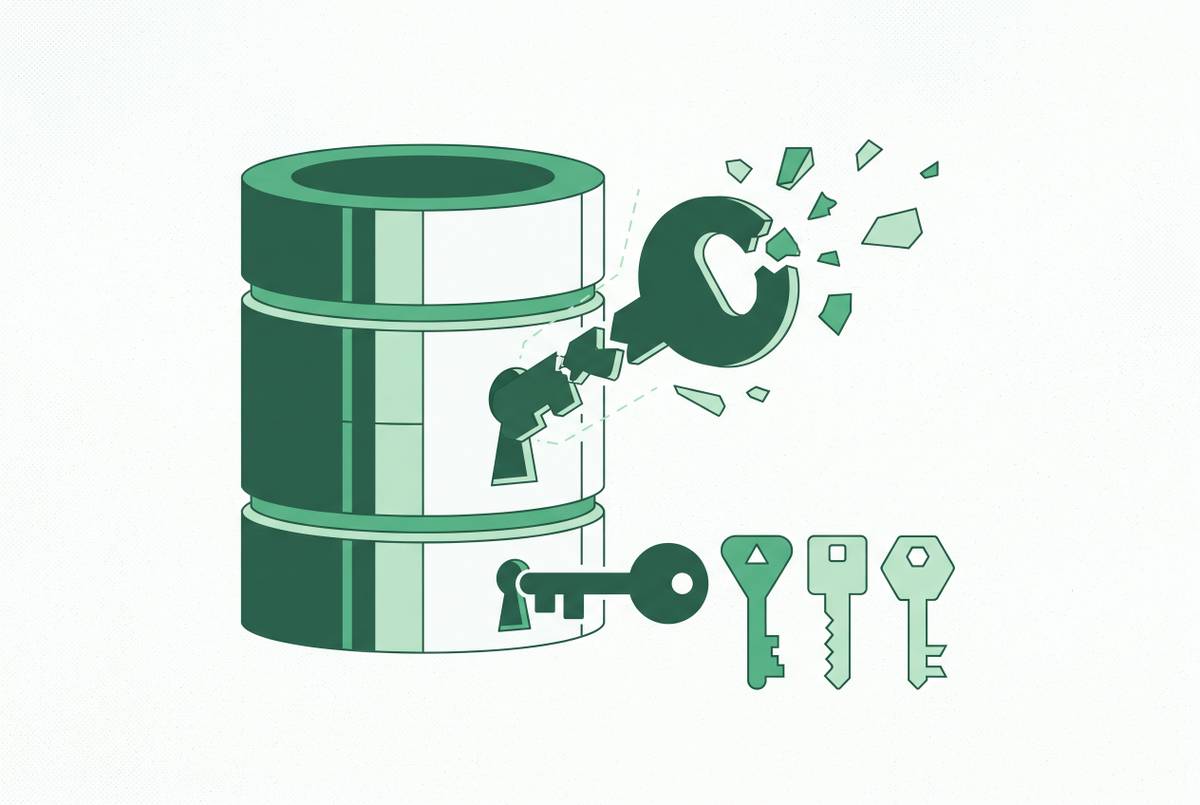
Read-only controls what a user can do. A role that cannot change a record may still run SELECT * FROM users and get password hashes, API keys, payment tokens, or raw PII fields. To keep those fields out of reach, engineers must leave sensitive columns out of the role’s grants or provide reporting views with only approved columns. These are structural restrictions on the query surface. Hiding a column in a dashboard leaves it available to a query.
Rows need the same treatment when access depends on assignment or territory. A support rep should see assigned accounts, while a regional manager should see the relevant territory. PostgreSQL and SQL Server support row-level security at the table level, allowing the database engine to enforce that boundary. A filter users can remove from a report is not an equivalent control. Multi-tenant data needs RLS or an equivalent restriction to keep one customer’s data out of another user’s session.
This distinction also matters when the concern is users exporting everything. Read-only access does not by itself limit the breadth of data a user can retrieve. Column and row restrictions limit which data users can get before the interface gets involved. A governed semantic layer can carry those restrictions into queries, but dashboard hiding and UI masking are not security boundaries. The database or secured view must remain the backstop.
Defining the role hierarchy before the first user account is created
With data boundaries established, define who inherits them. With role-based access control, users get permissions through their job roles instead of through individual grants that build up over time. Each role gets just the access needed for its work, and elevated roles go to named people with duties that call for that access. This hierarchy should exist before accounts are provisioned. Without it, the permission model becomes a scrapbook of past exceptions.
Snowflake provides a concrete example of separating duties. Its documented pattern assigns data and warehouse creation to SYSADMIN, access management to SECURITYADMIN, and reserves ACCOUNTADMIN for a small number of trusted administrators. Separating these responsibilities reduces the risk of privilege escalation and accidental configuration changes. Query access also needs both data and compute permissions. A user with SELECT on tables can still fail to query them without USAGE on a warehouse.
The same principle applies beyond Snowflake. When someone changes teams, changing their role should change their access. Auditing a role then covers its members, and granting that role access to an approved new table covers those members together. The tool’s interface should reflect those permissions. A support rep should lack access to the admin panel because the role lacks authority.
Building reporting views as the curated surface non-technical users actually query
Permissions define the boundary, but users still need something intelligible inside it. A reporting view is a named SELECT that can pre-join and pre-filter data into the shape a team needs. Instead of navigating raw tables and reconstructing joins, users query an approved surface. Sensitive columns stay outside that surface. The view serves as both a security boundary and a translation from application schema to usable data.
A small illustrative definition is CREATE VIEW reporting.customers AS SELECT cust_acq_dt AS customer_acquisition_date FROM users WHERE cust_acq_dt IS NOT NULL;. It selects an approved column, gives it a readable name, and filters out rows without that value. A view made for a given audience also needs an access boundary that fits that audience, including any territory or tenant restrictions. Users receive access to the view rather than unrestricted access to its underlying table.
Column-level grants can work for simpler cases, but many columns across many roles become difficult to reason about. Reporting views make it easier to check and test the surface users are meant to query. They also absorb schema changes, since engineers can revise a view definition while preserving the surface dashboards query. Before handoff, build views for frequently used customer-facing metrics, support and ops data, and raw tables containing fields that should not be broadly visible.
Defining metrics before users build dashboards that disagree with each other
Consider a regional sales manager who is building a pipeline report. The result does not match the number the VP quoted in Monday’s meeting. The manager tries to reconcile the difference, then asks an analyst in Slack anyway. The tool provided access, but not an agreed meaning for the number. The analyst has become the interface again, this time with a dashboard attached.
Clean views and perfect permissions cannot resolve that disagreement on their own. A semantic layer links the data in the database to the business concepts that users name. Definitions such as monthly recurring revenue and active users live in one governed, version-controlled place. Without that shared layer, each dashboard can carry a different answer to the same apparently simple question. Which revenue did the user mean becomes a business-definition problem.
Central definitions also make changes manageable. When the agreed definition of churn changes, a semantic layer lets that change propagate to the dashboards using it. Without one, every dashboard needs a separate update, and some will be missed. The engineering decision is therefore not merely where to store a formula. It is where the authoritative definition lives and how downstream reports inherit it.
Basedash translates natural-language questions into SQL and uses internal Models with documented dimensions, measures, and segments. That governed context matters because a language interface needs business definitions as well as accessible columns. Grounding generated SQL in certified metrics improves accuracy over ad-hoc interpretation of raw column names, while database-grounded controls constrain access. However, no layer maintains itself. The promise of one definition requires a funded, accountable owner, or the semantic layer can drift just as dashboards did before it.
Guardrails for data editing: when non-technical users need write access
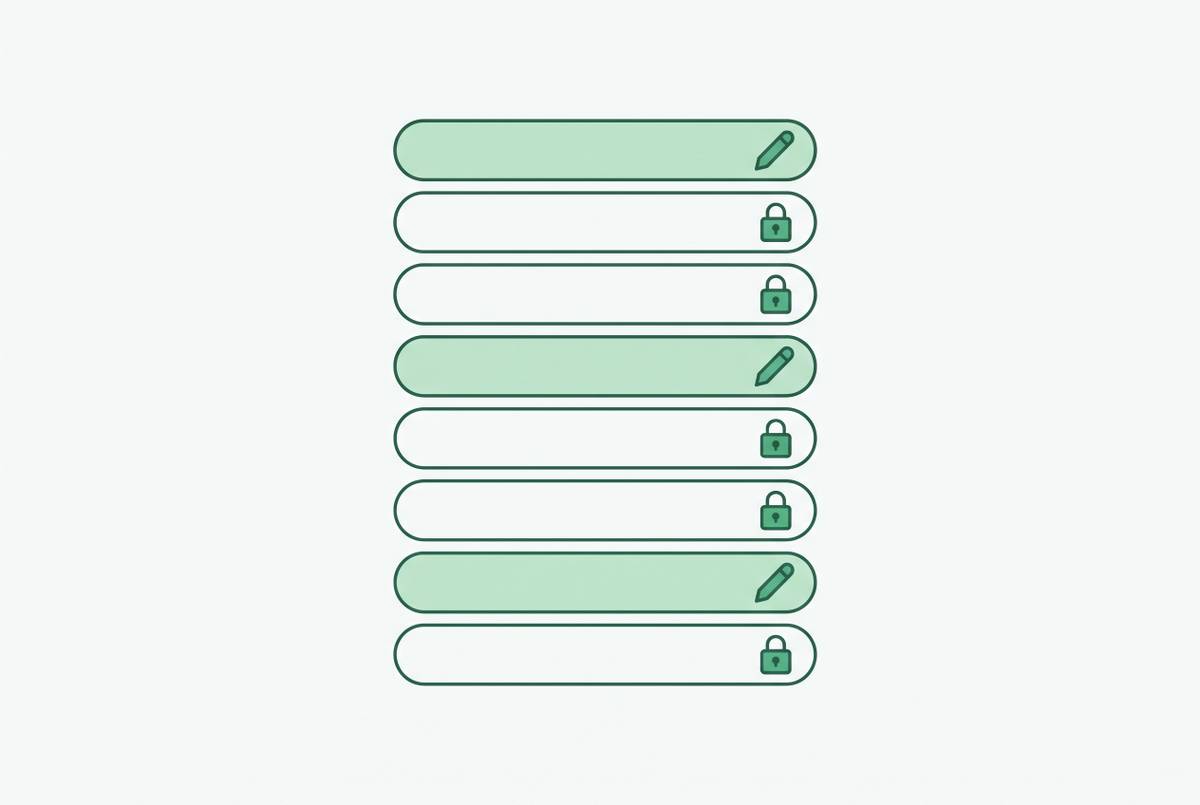
Support may update a ticket status, while ops corrects a customer field. These tasks need a narrow, permissioned editing surface. That surface needs a separate set of engineering decisions from read-only analytics. Permission to understand a record is not permission to alter every part of it.
Begin with the intersection of row and column write permissions. A support rep may be allowed to update assigned tickets without being allowed to edit every ticket. Likewise, permission to change a customer’s status should not include permission to change the payment tier or internal risk score. Field-level validation and approval workflows belong on top of those role-based and row-level controls. The interface should expose only the intended task.
Every write must produce an audit record containing the user, timestamp, previous value, and new value. That trail makes the change attributable and shows what actually changed. Destructive operations need confirmation, ideally with a soft-delete pattern so the data can be recovered. A click on delete should not immediately become an ungated DELETE FROM. Nor should the interface expose an accidental bulk update with no WHERE clause.
Basedash’s described analytics features establish its relevance to governed querying. For an editing tool, the relevant criteria are scoped writes, validation, approvals, audit logging, and destructive-action controls. Those capabilities operationalize the permissions. As with reads, the aim is to make the wrong operation unavailable.
The handoff checklist: what done actually looks like before the first non-technical user logs in
Connection and execution come first. The read-only analytics role is in place, and default privileges cover new objects that fall within the approved reporting boundary. The connection points to a read replica or separate analytics database. A statement timeout limits runaway queries. Together, these conditions prevent analytics access from becoming write access or an unchecked source of production load.
Visibility and roles come next. Grants leave out sensitive columns or reporting views keep them out of reach, and non-technical users cannot query the raw tables directly. RLS or equivalent controls cover multi-tenant and territory-scoped data. The role hierarchy is defined and documented before accounts are provisioned. Reporting views expose the frequently needed data with business-friendly names.
Meaning must be ready before dashboards. Metric definitions are agreed upon and encoded in a semantic layer or equivalent governed location. Someone is accountable for maintaining them. If users need to edit data, row-level and column-level write permissions, audit logging, and confirmation steps are in place before users can make those changes. Read access is not a rehearsal for unrestricted writes.
Each of these verifiable conditions blocks a particular failure, from an exposed key to a disputed metric or an untraceable update. Teams still need to deal with dashboard sprawl, metric drift, and training after launch, but that work cannot make up for a missing access boundary. The order matters because every later convenience depends on an earlier constraint. The handoff is complete when those constraints work.