Access Governance Patterns That Let Ops and Marketing Self-Serve Without Owning Database Credentials
Role-based access patterns let non-engineers query live data without database credentials.
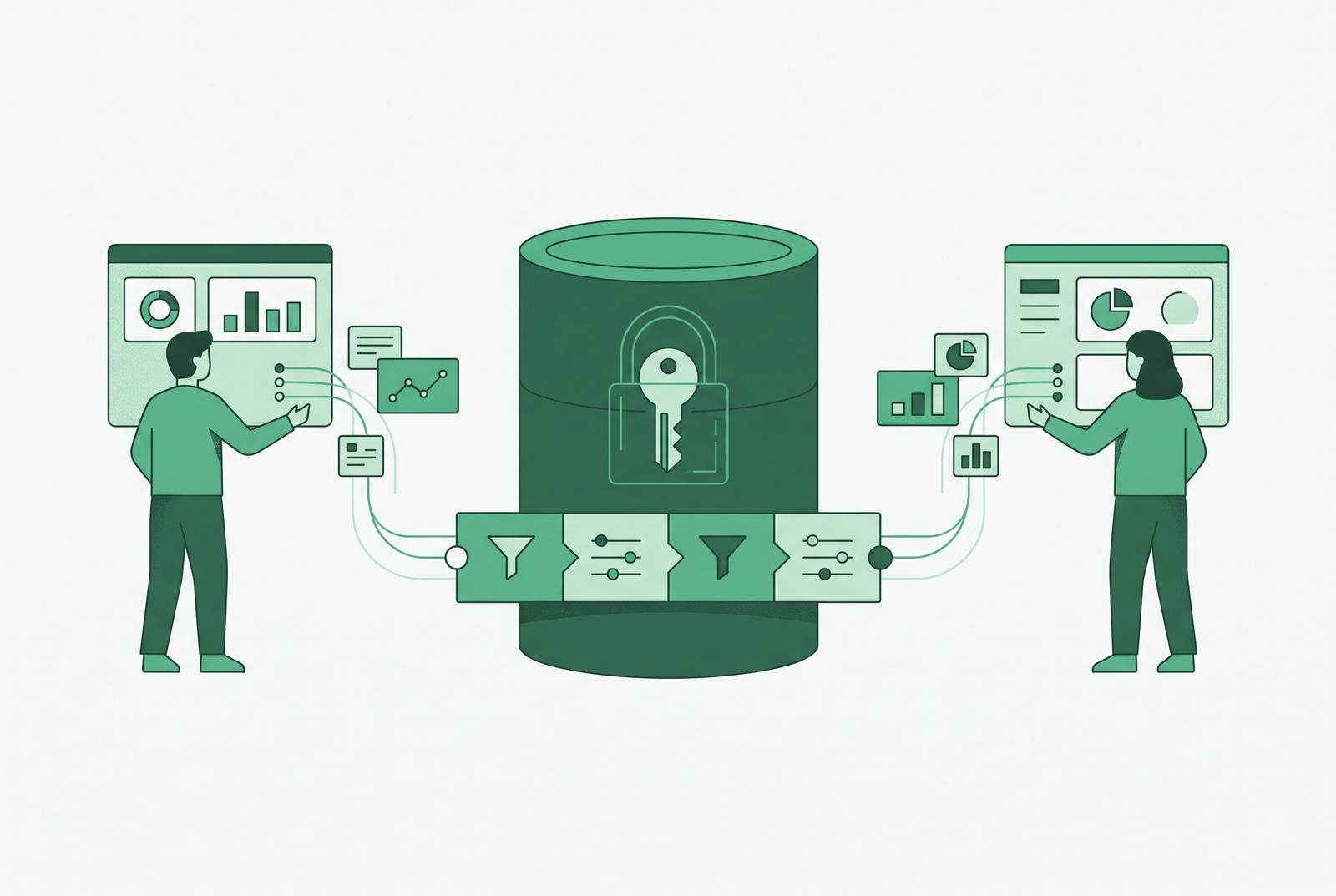
For a small startup, the right graphical database interface gives non-engineers answers without giving them database credentials. Basedash is one option for engineering-administered teams that want ops and marketing to query live data without writing SQL. The governing principle is to replace shared logins and routine query tickets with role-based permissions, row-level controls, saved queries, and auditable data views.
Why giving ops and marketing database credentials creates two problems at once
Handing out a login lets people connect quickly, while asking engineers to run queries gives them a chance to judge how a business question should be answered with production data. Both approaches solve an immediate need, but neither scales cleanly as the everyday route to answers. Routine requests in ticket queues can stretch from hours to multiple days, leaving campaign decisions, ops interventions, and support investigations waiting for data. Shared logins remove that wait but erase individual accountability, because the database attributes actions to the shared account. When the queue becomes intolerable, teams export CSVs and copy tables into spreadsheets, creating shadow datasets outside central control.
What makes credential-based access specifically hard to unwind after a breach
A shared credential does more than let the wrong person in. It also makes that person harder to distinguish from everyone who belongs there. Without individual behavioral baselines, an unusual query can blend into normal traffic from several users of the same account. IBM's 2025 Cost of a Data Breach Report found that breaches involving compromised credentials take much longer to find and contain than the overall average. Supply chain compromise, malicious insiders, and multi-environment breaches can take even longer, while compromised credentials create a concrete detection problem.
Containment becomes harder for much the same reason. A static, long-lived credential in a code repository or.env file remains useful to automated credential-testing tools while it is valid. A former employee or contractor whose access was never revoked can also remain active behind a shared login, without appearing as a distinct identity that should no longer have access. When database credentials stay inside an access-control layer, business users no longer need to be given those secrets. The old shared login leaves that route open even after a dashboard is added.
The compliance issue follows from this missing attribution. SOC 2 CC6.1 concerns controlled logical access, while CC7.2 makes monitoring for anomalies part of the picture. A common login without per-user activity monitoring leaves gaps in both access control and detection. A governed query layer links activity to a specific user, so the team can see unusual behavior and revoke that user's access.
Four governance patterns that replace credentials with controlled access
Governed access requires a layered architecture. Each layer handles a different question, including what a metric means, which data a user can see, what their role permits, and how services authenticate. The layers work together and turn self-service into a controlled way of working only when an interface above a control cannot bypass it.
The semantic layer makes business definitions an access boundary. It sits between data sources and consuming tools, holding metric definitions, join paths, dimension lists, and access rules. Tools request governed results instead of issuing unrestricted queries against production tables. Because the rules are applied at query-compile time, changing the wording of a question does not change the user's entitlement to the answer. Ops and marketing can ask for certified business metrics without knowing the connection string or which tables sit underneath them.
In a natural-language interface such as Basedash, a user can phrase a business question without composing SQL. The governed metric layer supplies the definitions and access rules that the translated query must respect. The language becomes easier, but the permissions do not become negotiable.
There are several ways to provide this semantic boundary. Cube Core serves governed queries over SQL, REST, GraphQL, and MCP, but requires a separate front end for visualization. The dbt Semantic Layer lets teams version and review metric definitions as they do with code, so AI agents get governed definitions in place of raw tables. Snowflake Semantic Views and Databricks Metric Views inherit their warehouse's security model. These options place the same responsibility in different parts of the stack, so the choice depends partly on what the engineering team already operates and what it wants to assemble.
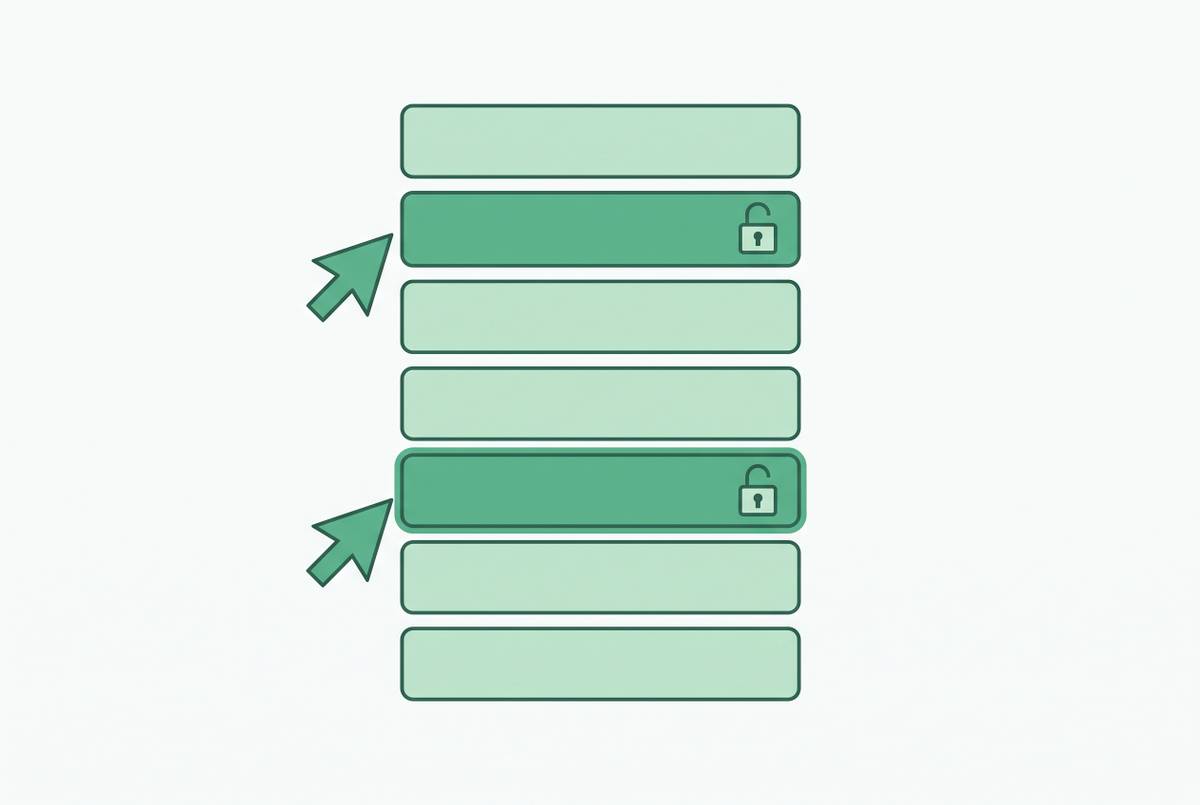
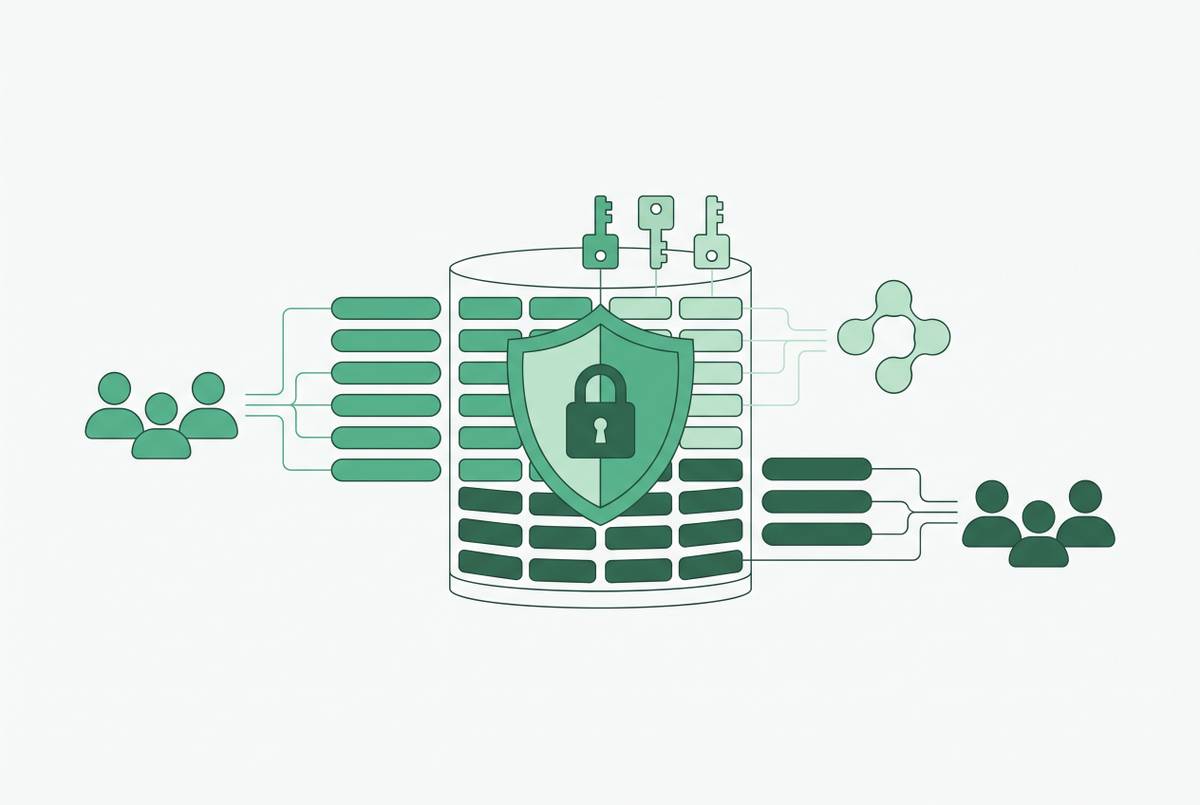
Record-level access controls decide which rows a role can see, while column masking changes what a field shows to a particular user at query time. These controls preserve the stored value and belong at the warehouse layer because a direct warehouse connection bypasses restrictions enforced only in a BI tool. An interface can narrow access further, but it cannot protect a separate entrance that it does not control.
Snowflake's Dynamic Data Masking attaches a masking policy to a column and masks or reveals its value according to the querying role at runtime. BigQuery applies dynamic data masking through policy tags. Even when rows are restricted, users may still see that sensitive data exists and how it is structured. Microsoft recommends Object-Level Security for sensitive data in Power BI because users can still see column and table metadata with row-level security. When teams enable AI-assisted querying, they need to control both which records it returns and which parts of the schema it can see.
Role-based access control assigns permissions without distributing database logins. Executives can receive strategic dashboards, analysts advanced query access, managers departmental metrics, and viewers read-only visualizations. Those permissions attach to roles rather than a collection of one-off grants to individuals. Group-based inheritance means a role change can cover everyone in the group at once. It also gives offboarding a defined operation, with removal from the role group revoking the access inherited through it and an audit log recording when that happened.
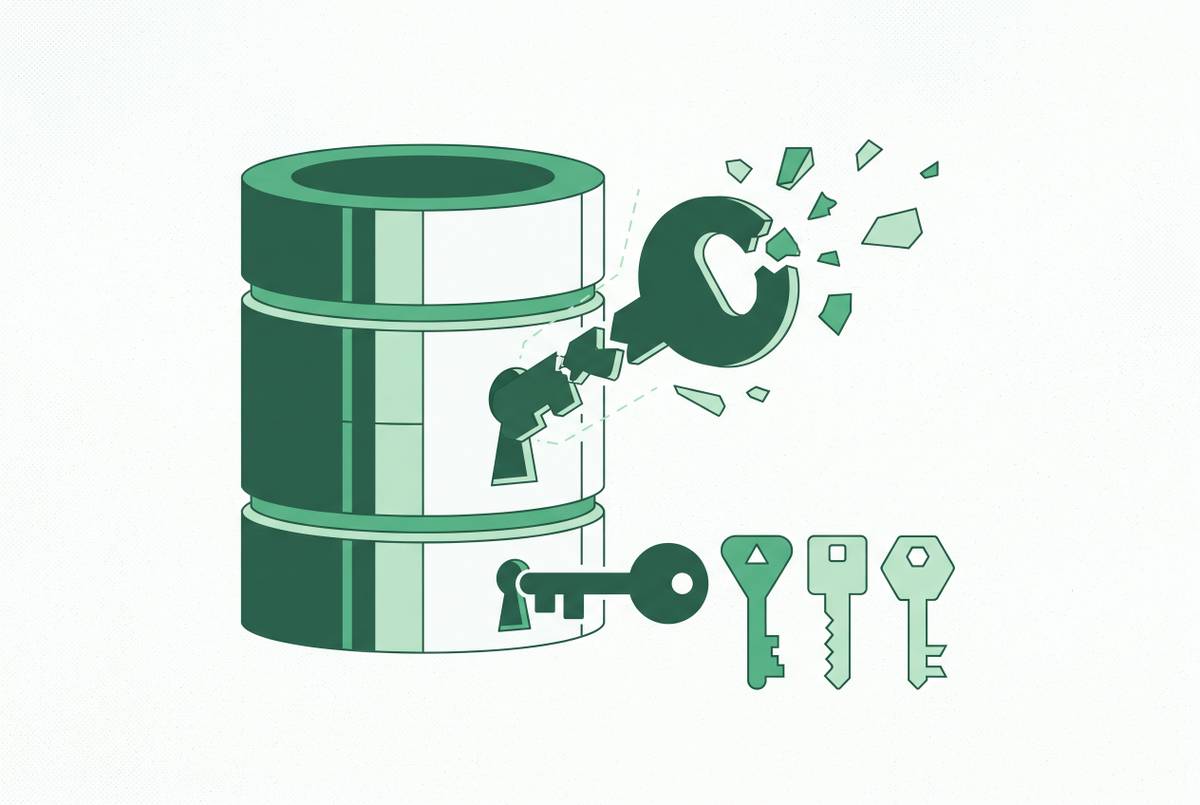
Dynamic, short-lived credentials serve the service accounts that are still needed. Pipelines and API integrations may require database credentials even when business users do not. For those services, credentials generated on request and expiring in minutes replace long-lived, reusable secrets. Once a captured credential has expired, it is no longer useful to an attacker.
How Basedash gives ops and marketing database access without writing SQL
For a company whose data lives in Postgres, MySQL, or another relational database, assembling a separate BI stack is not the only route. Basedash connects directly to a database or data warehouse and presents data through dashboards, saved queries, and editable data views. Engineering administers the connection and access, while ops, marketing, sales, and support work through the interface. That makes it a practical option for a 100-person company that wants cross-functional self-service without assembling a multi-tool stack. The operating model determines the fit.
With the saved-query layer, the data team writes useful queries once, and non-technical users can then run them, filter them, and read the results. This removes the repeated engineer-assisted request without asking each user to compose ad-hoc SQL against live tables. Platform-level row permissions can scope a marketing analyst to campaign data for their region or channel, or a support rep to records tied to their accounts. Editable views let ops teams work the same way, changing records they have permission to update without asking an engineer to run an UPDATE statement. Those actions are logged against the user who took them.
The important boundary is that the platform holds the connection while the business user holds permission to perform particular work. Basedash therefore addresses both the query queue and the use of shared logins. Its platform-level permissions do not, however, make restrictions on separate direct database connections unnecessary.
What self-service without governance actually produces, and why the pattern matters for data quality too
Taking away the queue can raise a fair concern that faster access will just lead to faster confusion. Ungoverned self-service can do exactly that when different teams calculate the same KPI differently. Metric drift gives “revenue” or “active customer” different local definitions. Dashboard sprawl then spreads those incompatible numbers across overlapping reports. Non-technical users can also misread a field when its business meaning is not clear, even if the query itself runs perfectly.
The semantic layer addresses this by defining the metric centrally and applying the same logic to every query against it. A human and an AI agent then work from the same definition, rather than independently inventing what the number should mean. Saved queries carry that discipline into repeatable business questions, so access to raw tables comes with context. A correct permission on an incoherent metric is only half a success.
This shifts the data team's work from answering requests one at a time to building tools that many teams can use on their own. Instead of repeatedly reconstructing an answer, the team maintains the shared logic behind it. When self-service is fast and trusted, teams no longer have a reason to use the CSV workaround described earlier. The objective is not to make people enjoy access rules, but to make the governed route useful enough that they no longer need an unofficial one.
Putting the patterns into practice: what implementation actually requires from the engineering team
Implementation begins with an access audit, because roles cannot be designed around an incomplete picture of who already has access. Engineering needs to identify shared credentials, service accounts, and informal export workflows, then map who needs which data and at what granularity. The access audit can also reveal forgotten contractor or former-employee access. With that map, engineering and the business teams can base roles on the work people do. Executive, analyst, manager, and viewer permissions should describe needs.
With those roles defined, the next step is to enforce row-level security and column masking at the warehouse layer. This establishes the boundary that tools above it cannot bypass. Engineering can then build the semantic or saved-query layer around the questions ops and marketing ask most often. Agreeing on those metrics before self-service is widely used keeps each team from making its own calculation the default.
Once the governed layer is live, the old route needs to close. Shared logins should be revoked, and long-lived service credentials replaced with dynamic or automatically rotated ones. Per-user query logging then records what was queried, when, and by whom, making the new access model auditable. The same record shows which saved queries people actually use, helping the data team decide what to maintain and what to retire.
The upfront engineering work is heavier than the ongoing administration described by this model. New team members inherit access through role groups, while changes to those groups replace repeated individual permission edits. Semantic definitions can be versioned and reviewed through the same pull-request workflow as other code. Engineering owns the access system, and business teams use it independently.