Blocking Sensitive Field Exposure and Bulk Export for Sales and Support Database Views
Protect sensitive data with column hiding, row limits, and export controls.
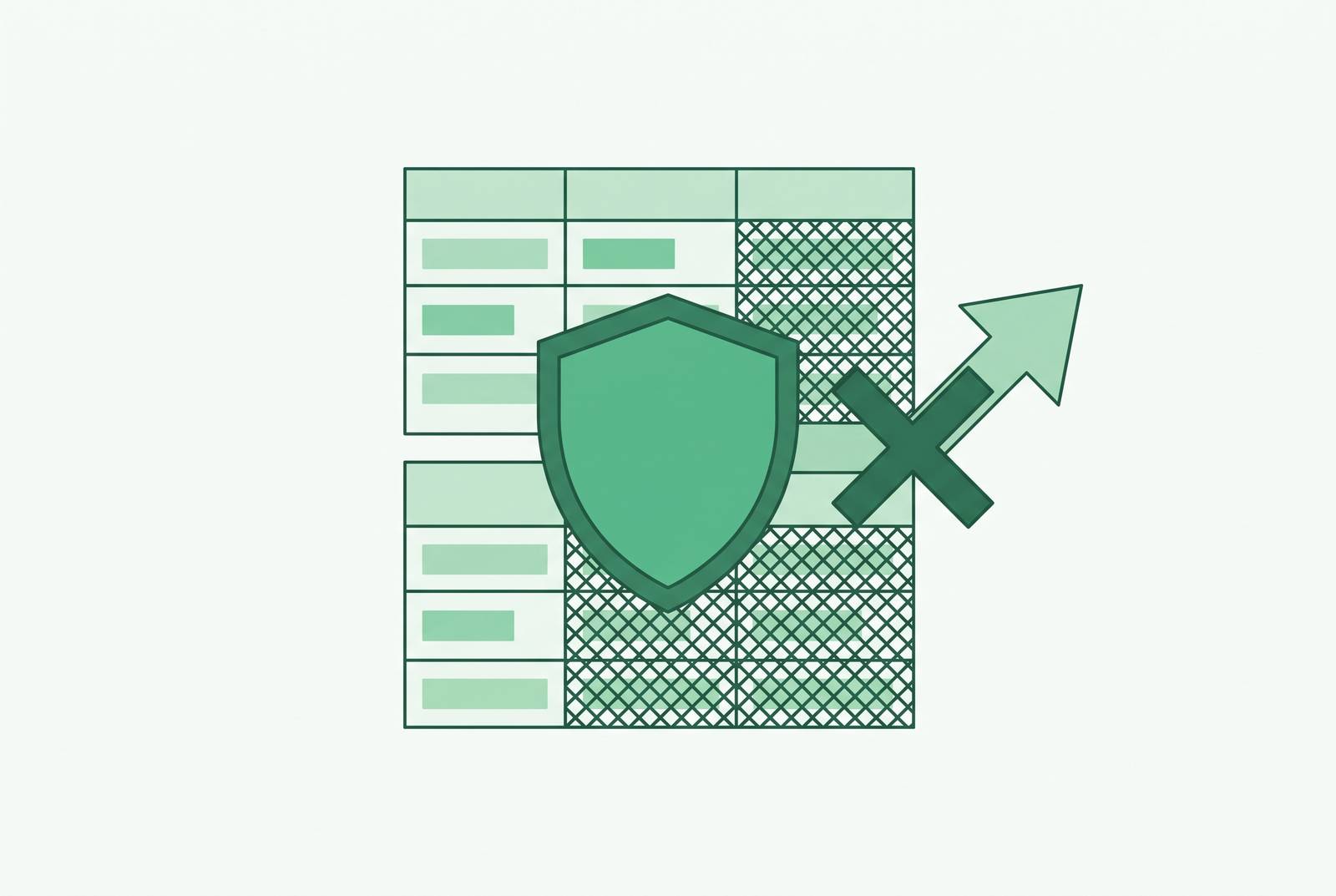
To make sales and support database views safe to use, three controls must work together: column-level field hiding, row-level security, and explicit bulk-export restrictions. Read-only permissions prevent changes to data, but do not limit which sensitive values people can read or how much they can take away. Least-privilege access for internal database tools must limit which fields and records people can read and what they can export through every query path, including the dashboard.
Why read-only access to sales and support database views is not the same as safe access
A table-level read grant answers a narrow question about whether a user may read a table at all. It does not decide which parts of that table belong in a support conversation or a sales workflow. A support rep who runs a broad SELECT against a users table can get password hashes, API keys, or raw PII along with the account status they needed. The query can be permitted and still return far too much. Read-only is a “do not touch” sign that leaves values visible.
The exposure is structural: an overbroad permission can exist without anyone making a bad decision. The permission model has already confused access to the table with a reason to see everything inside it. A safe sales or support view must make that distinction before the query runs so the user is never left to ignore sensitive results. Trust in the team does not repair a grant that gives the team more than its work requires.
How to restrict which columns a non-technical team can see, and where field hiding stops
Dynamic masking changes the value returned to a user without changing the source record. A support agent might see **** 1111 for a payment card number while a billing admin sees the full value. Partial masking preserves enough context to help a customer without exposing the complete identifier. Showing the last four digits of a card or only an email domain can serve that purpose. Masking leaves column names visible, so a sensitive column name must be hidden from the model entirely.
Snowflake and BigQuery support database-layer masking, which applies to queries reaching the database through direct SQL, exports, or AI-generated requests. PostgreSQL has no native dynamic masking and instead requires views or extensions such as PostgreSQL Anonymizer. To restrict columns outright, its grant pattern is to revoke the broad grant on the sensitive table, then explicitly re-grant only the safe columns. That blocks access to the field and gives the user no disguised value to read.
But a mask drawn only in a dashboard protects only the traffic that passes through that display. Exports, scheduled emails, embedded views, and AI features can get past it if the query layer still returns the real value. Tools that translate natural-language questions into SQL, including Basedash, which turns plain-English business questions into governed queries, must enforce masking at the database layer. An AI-written query needs the same column protections as a human-written statement.
Database enforcement also needs the right identity. In Snowflake, per-viewer policies can distinguish viewers only when the tool carries each viewer’s identity or role into the query. A shared service account leaves the policy seeing only that account. BigQuery rewrites queries before execution to inject masks and row filters based on the requesting principal.
What row-level security adds that column masking cannot provide
Column masking governs what a user can read inside a record they can already reach. Row-level security decides whether that record reaches them at all. A sales rep who should see only their own accounts needs a record boundary even if every sensitive field is masked. Likewise, hiding identifiers does not make another region’s support tickets appropriate for an agent to read. Territory, region, and clearance are row-scope questions that a column mask cannot answer.
Snowflake implements this boundary through Row Access Policies, or RAPs, attached to tables or views. At query time, it wraps the protected object in a dynamic secure view and returns only rows where the policy expression is TRUE. RAPs require Snowflake Enterprise Edition or higher and execute with the policy owner’s role, which helps prevent privilege escalation. Combined with Dynamic Data Masking, they protect rows and columns on the same table. When RLS is enabled without a policy, PostgreSQL returns no rows to anyone except the table owner and superusers.
The application architecture determines how far that protection reaches. An application can append WHERE clauses, the database can enforce native policies, or a hybrid can pass user context into database policies. Only database-layer enforcement survives a path that bypasses the application, provided the required context reaches it. This has real engineering costs as well as benefits. In BigQuery, row access policy filters do not participate in query pruning on partitioned and clustered tables.
Identity-based rules can also break scheduled reports or embedded views that are allowed to run under shared credentials. A job may receive the wrong rows or no rows because its identity is not the intended viewer’s identity. That is a reason to define the job’s access separately while preserving the row boundary. The distinction matters because an automated task and an interactive user are different principals, even when they request a similar report.
Why bulk export is a separate attack surface that field and row controls do not close
A user may be allowed to read particular fields on their own accounts without having a business reason to download every such account at once. Field and row policies determine what is eligible to be returned, but do not by themselves impose a volume limit. Unrestricted export turns a narrow working view into a channel for taking away a large collection. The risk includes accidental and opportunistic misuse as well as deliberate espionage.
Salesforce’s July 13, 2026 enforcement of a default Transaction Security Policy on ReportEvent illustrates why the export path matters. The default policy fires on report exports exceeding 10,000 records, but applies only to exports through the browser UI. Salesforce Help states that API-based report exports and Data Loader are not covered. The default policy is static and admin-editable, while a separate machine-learning step-up challenge has no admin configuration. These are distinct mechanisms, and both are UI-only.
That boundary limits the browser control’s guarantee to a narrower scope than a general promise to block bulk export. Moving the request from the browser to the API bypasses that particular restriction, even though the data being requested may be the same. The lesson applies to any internal tool whose export policy lives only beside its download button.
Export restrictions therefore need more than one enforcement point. Rate limits and record caps at the BI tool layer provide a first line of control, while query-layer limits prevent a single query from returning the full table regardless of client. CSV downloads, scheduled email deliveries, and embedded exports must follow the restrictions that apply to them, even when the layer below gives them broader access. A volume cap still does not decide whether a field is safe or a row belongs to the user. It closes the extraction gap left after those decisions have been made.
How the three layers interact and where each one's gaps get filled by the others
The easiest way to understand the combination is to see what each control leaves unfinished. Masking alone can leave the full customer list reachable, with partial identifiers that may help reconstruct sensitive data at scale. Row-level security alone can leave every sensitive field exposed within the user’s assigned accounts. Export restrictions alone leave an interactive user free to read sensitive values one screen at a time.
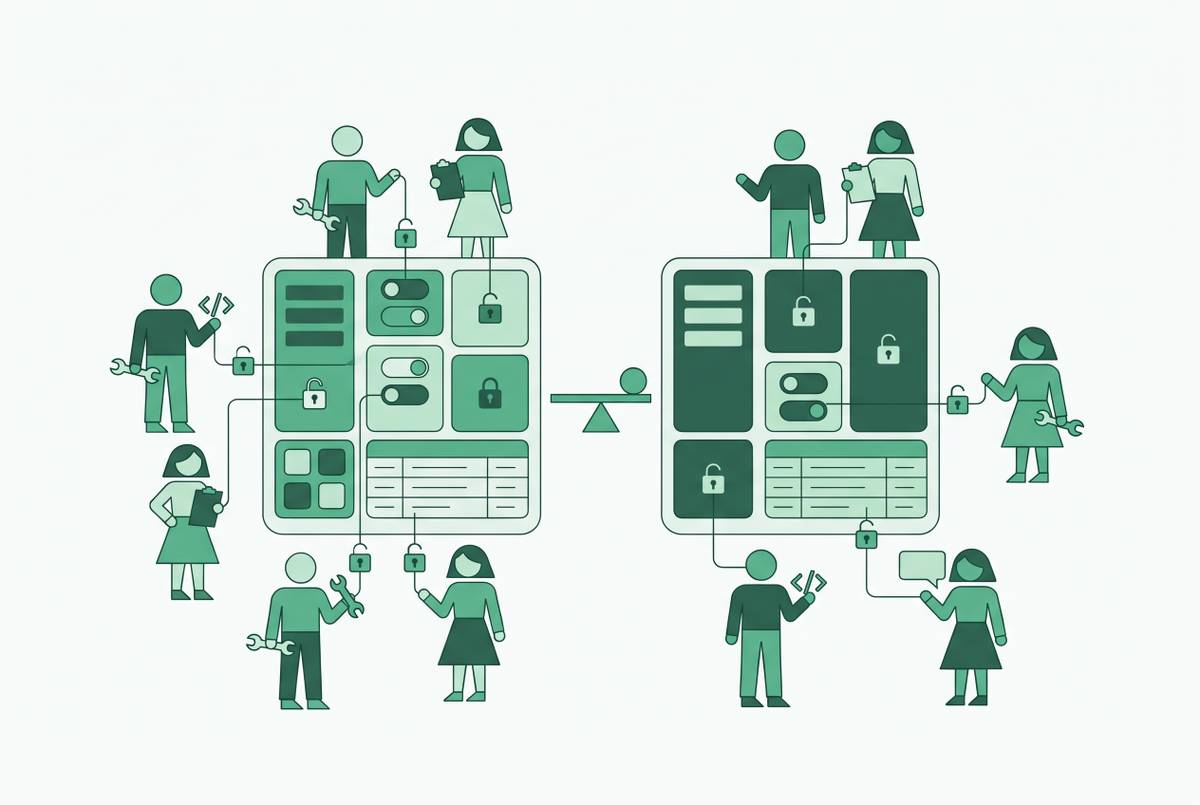
Row policies bound the universe of reachable records, field rules limit what can be read within those records, and export controls limit the volume that can leave in one operation. A user who clears all three retains useful but scoped access. No single control failure exposes the full dataset because the other boundaries remain. This is not three locks on the same door, but three answers to different permission questions.
The combination works only when those answers apply across the query paths. The core rules must be enforced at or below the semantic layer, with database policies that control access to sensitive fields and rows. OAuth passthrough is the strongest of the identity-carrying patterns described here, while per-user role switching on a shared connection and session context variables are other options. The database can distinguish viewers only if the chosen pattern carries their identities into the query. Extracts, shared caches, scheduled deliveries, and embedding need particular care because the identity that fetched the data may not be the person who later receives it.
The genuine operational tension is that some work requires large transfers. Month-end finance exports, nightly CRM syncs, and RPA jobs need explicitly scoped service roles with permissions defined separately from viewer permissions. Those roles let the automation do its work while keeping ordinary sales and support users from getting the same bulk-data access. At the same time, restrictions must leave enough room to answer real business questions. Blunt limits can push people toward spreadsheet workarounds, creating copies outside the permission model the controls were meant to protect.
Building an access policy for non-technical sales and support users using these controls
Start by classifying fields according to what each role needs. Some should be visible in full, some should show only a partial value, and some should be hidden entirely, including their names where necessary. Payment data, health data, and government identifiers need database-layer enforcement so the protection stays the same even if the client changes. Accepting BI-layer masking for mildly sensitive, non-regulated fields where the risk of an export bypass is low is a deliberate risk decision.
Next, set which records each role may reach before deciding how the masked fields look in its view. A sales rep’s own-account boundary should be enforced by a row access policy independently of any dashboard filter the rep could change. PostgreSQL can combine safe-column grants with RLS tied to the authenticated user. Snowflake can combine a Row Access Policy on the table or view with masking policies on sensitive columns. The platform differs, but the decision stays the same, namely which records belong to this role and which values within them are necessary.
Then set export limits around the volumes the team legitimately needs. BI-layer record limits are the first line of control, while query-layer caps apply no matter which client makes the request. Scheduled exports need their own explicitly scoped service role, separate from the viewer-identity path. This avoids forcing automation to inherit interactive restrictions or allowing it to become an escape route around them. The policy should scope the scheduled account’s access to the permitted work.
For a database interface aimed at non-technical users, this model must be part of permissions from the start. Basedash connects directly to production databases, including Postgres and MySQL, and enforces row-level permissions at the access layer so teams can self-serve without SQL. Its engineering-administered permission model is relevant to this division of responsibility, but access-layer scope must still be considered together with database field protections and export restrictions. The comparison criterion for internal tools is therefore concrete, namely whether row scope, column protection, viewer identity, and export limits hold across the required paths. A friendly interface should simplify the work while preserving the permissions.
Before deployment, test the policy through the paths most likely to expose a mismatch. The database-layer policy should still apply to a direct SQL query. A scheduled export should run under the intended service role and remain within its scope. An AI-generated query should respect the same masking as the dashboard.