Comparing Internal Tools Platforms on Granular Permission Models for Mixed Technical and Non-Technical Teams
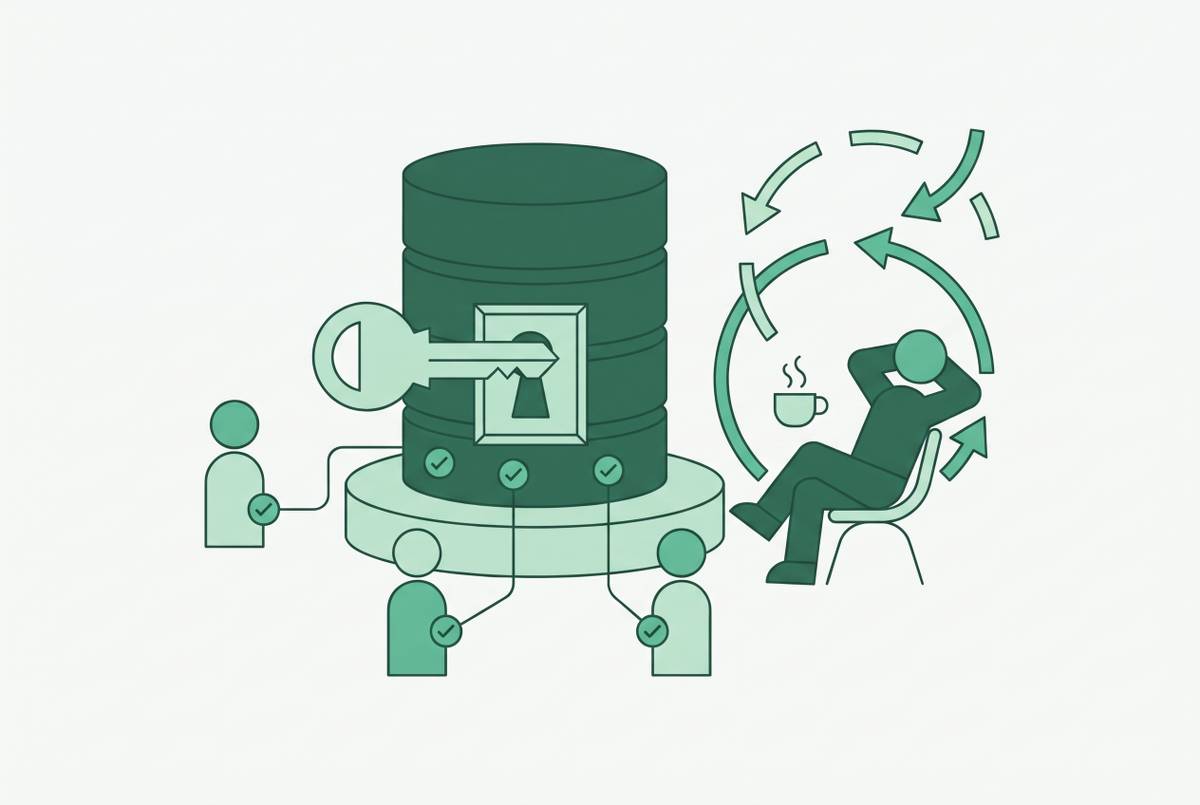
Database-native permission enforcement protects sensitive data across all query routes.
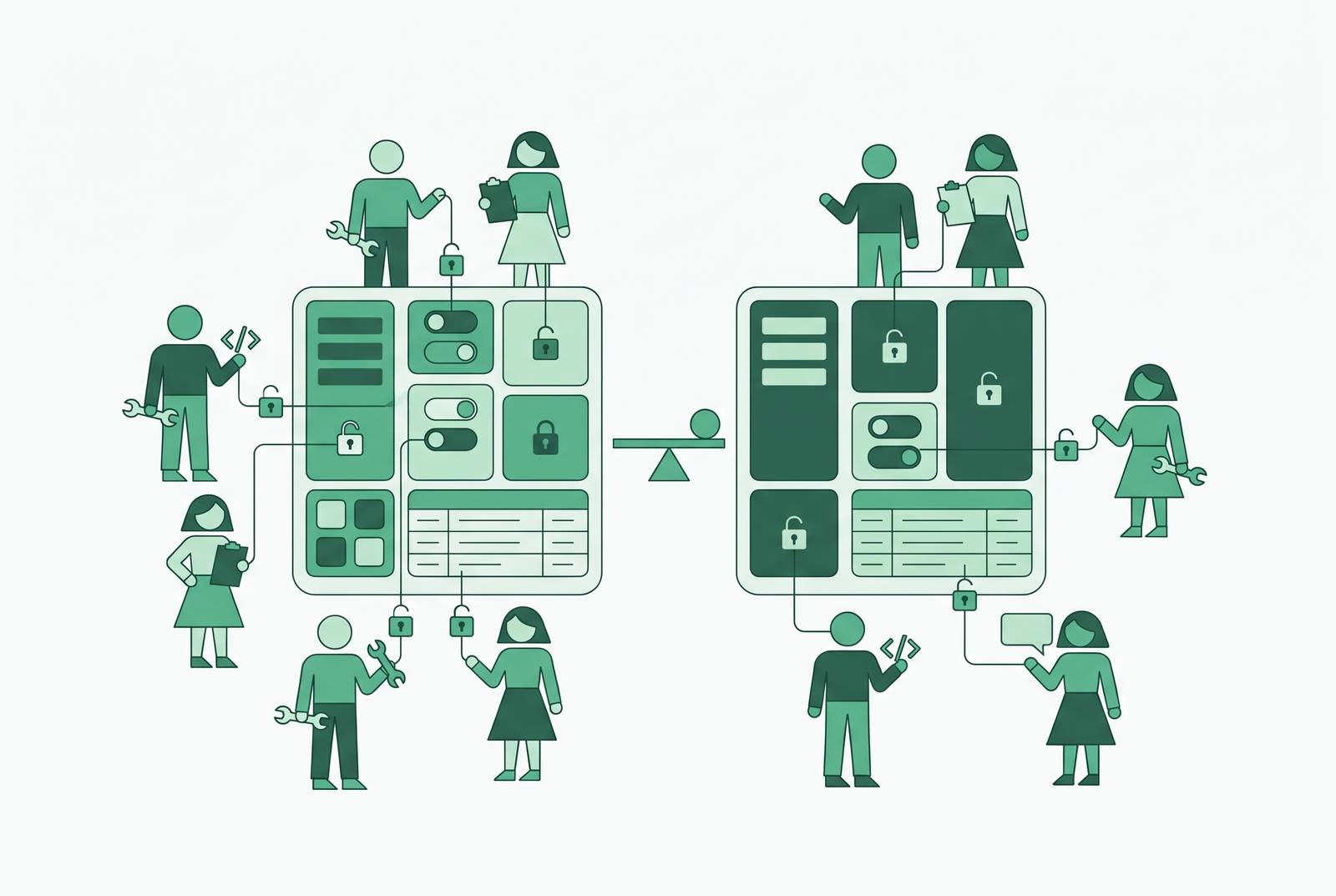
Least-privilege access control for internal database tools depends on where permissions are enforced. To give sales and support teams access without exposing sensitive fields, row-level and column-level restrictions need to apply below the interface, including to AI queries. So teams comparing platforms need to test whether users can get around those restrictions and whether the data they can see makes sense to non-technical users.
Why the permission architecture question is the wrong starting point for most teams
An ops lead cannot get a number without filing a ticket. An engineer becomes the unofficial BI team. Meanwhile, support agents and finance leads need the same production data, but with different scopes of access and levels of trust. The friction looks like a usability problem. So the buying conversation starts with better screens, easier query builders, and more integrations, although none of those can settle who should see what.
Centralizing every request through the data team can produce correct answers, but it also turns analysts into a ticket queue until the business learns not to ask. Opening self-service without governance creates the opposite problem, including dashboard sprawl, inconsistent numbers, and data silos. Neither extreme gives the team useful independence. Their shared defect is treating the tool as the policy layer, with governance attached to the presentation tier after queries have been composed and run. By the time the wrong number reaches a dashboard, the query has already done its work.
How do you restrict rows and columns in an internal database tool? Three architectural patterns
With presentation-tier enforcement, the rules for permissions sit in the BI tool or the internal tool interface. It is usually the easiest pattern to configure, because the controls sit near the screens people use. But its protection ends at that surface. A user who reaches the database through a notebook or direct API can bypass rules that exist only in the interface, while a bug in application-level filtering can expose data. Hiding a field is not the same as denying access to it.
With semantic-layer enforcement, metric definitions, dimensions, joins, and row-level security all sit in a governed model. Dashboards, AI chat, and API calls read from that model, so a rule need not be rebuilt for each surface. The shared layer does the governing work. Its reach nevertheless depends on those surfaces actually using it, because a separate path to the database falls outside a policy enforced only there.
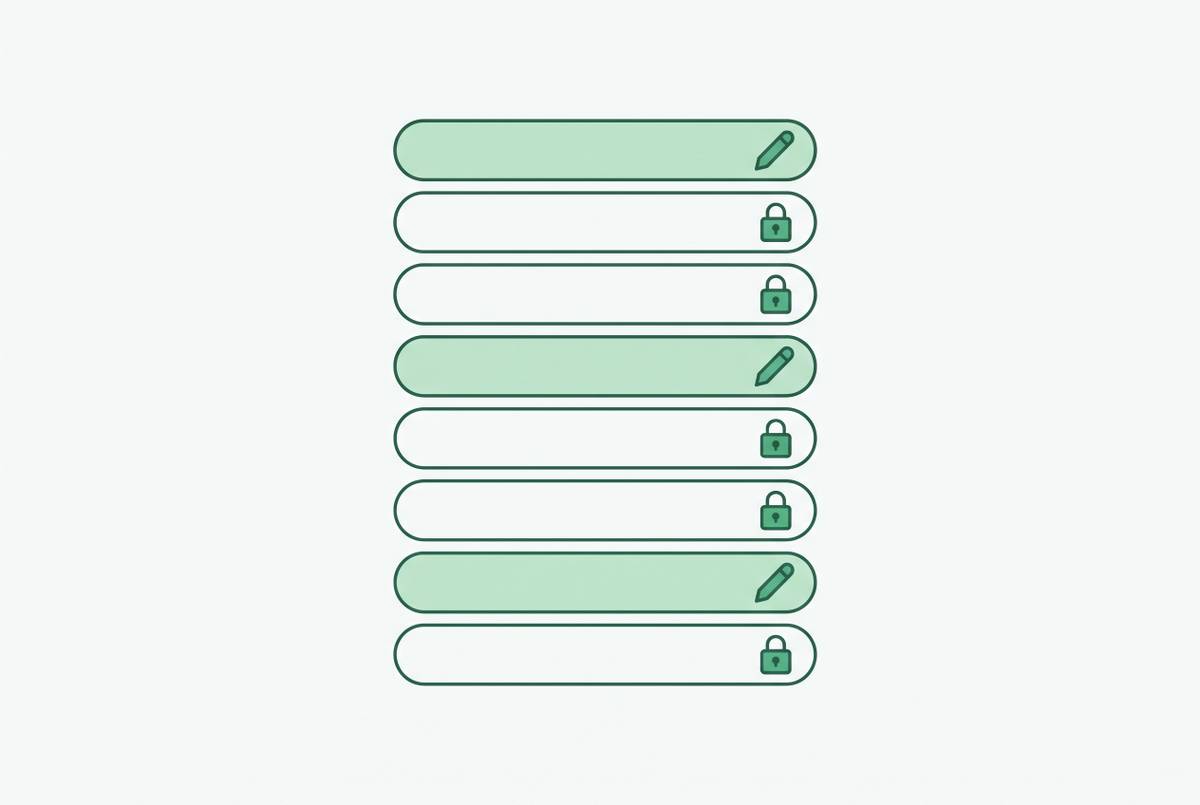
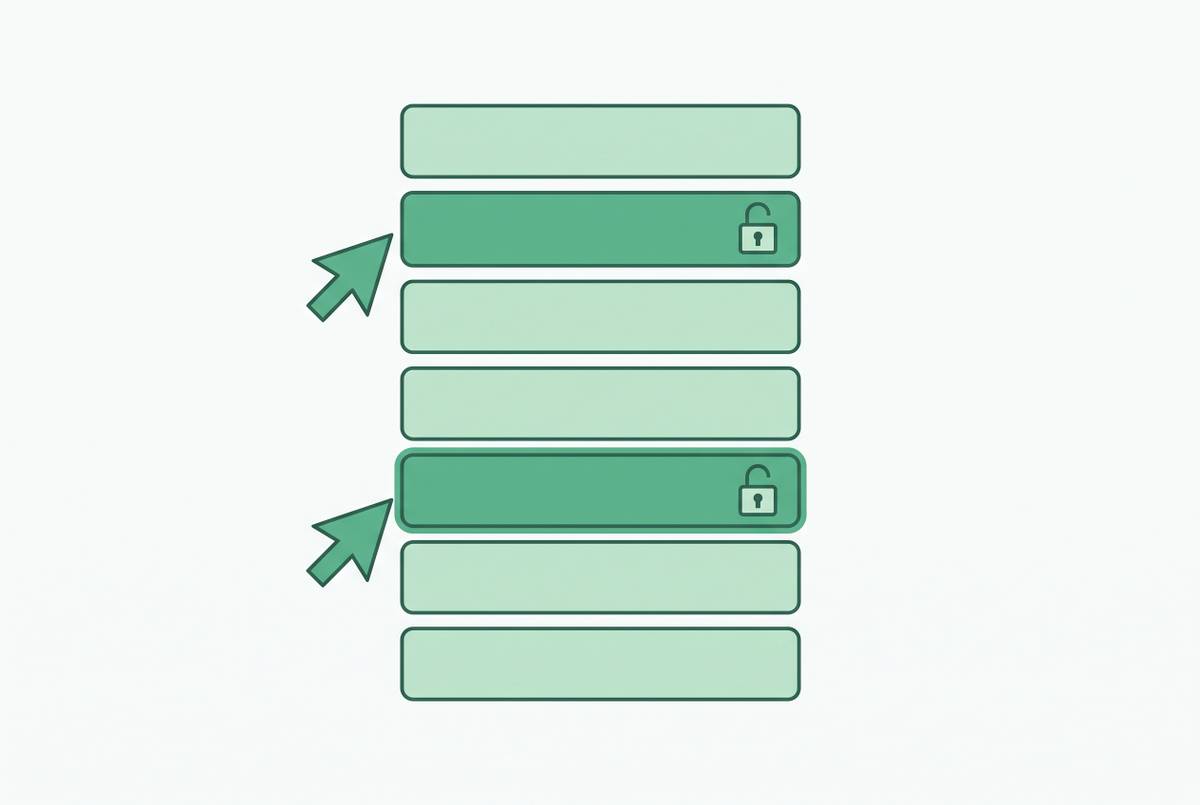
With database-native enforcement, row-level security and column-level security, or RLS and CLS, sit in the database itself. The controls restrict records and fields below the application. A PII column restriction, for example, prevents an unauthorized user from reading that column. Enforcing restrictions below the tool keeps the applicable database policy in force across interface changes and application bugs.
These patterns are not interchangeable boxes on a checklist. A database restriction can protect access across interfaces, while a governed semantic layer can make those interfaces use consistent definitions. Presentation controls can still make a tool useful, but they cannot do either of those jobs.
The access governance and semantic governance distinction that most platform comparisons miss
There is an awkward complication in the permissions-first argument. A user can have exactly the right access and still produce a thoroughly wrong answer. Perhaps they join two tables on the wrong key, misunderstand the grain of a table, or choose a revenue column that includes refunds. Every permission check can pass. The error is in what the query means.
Access governance answers who can see which rows, columns, and tables, using controls such as RLS, CLS, and role-based access control, or RBAC, with audit logging to record activity. Semantic governance answers what the words mean. It requires declared joins, stated grain, and one definition per metric in a governed data model. Adding more roles will not tell users whether a row stands for a customer, an order, or something else.
For mixed teams, the two layers must work together. Engineers may know the schema’s traps, while a support agent sees only table and column names that look right. A platform that deals only with access control leaves that gap in place. Users get the right to produce wrong answers safely, a fine feat for security and a bad day for the business. A useful comparison therefore asks not just what data users can reach, but what helps them interpret it correctly.
How AI assistant surfaces create a new category of permission failure
An AI assistant adds another route from a question to the data. That route needs the same scrutiny as a dashboard or API, even if it arrives wearing a friendly chat bubble. A shared service account with broad permissions can cause questions to run with more access than the person asking them has. The assistant then becomes a privilege-escalation path. Correct user permissions elsewhere in the platform do not repair that mismatch.
Does it see metadata only, sampled values, or full query results? Does the assistant execute under the user’s RLS and CLS, or under a shared account? Rows and columns excluded from the user’s access also need to stay out of the model’s context. Filtering the final answer is too late if restricted data has already reached the model.
Power BI documents that rows and columns hidden by row-level or column-level security are never sent to the large language model. That is a concrete example of enforcement before exposure. It does not remove the separate need for clear metric definitions and joins, because an assistant can misunderstand permitted data just as a person can. The interface changes, but the dependency does not. Without governed context beneath it, chat reproduces the failures of ungoverned self-service in more fluent sentences.
What the platforms actually do: how Superblocks, Airplane, Noloco, and database-native tools enforce permissions across mixed teams
Superblocks places app building within RBAC, SSO, and audit requirements rather than requiring teams to reimplement governance for every app. Superblocks’ own site describes UI and API controls and row-level permissions. Its AI copilot, Clark, works within the builder’s existing permissions rather than generating queries or actions beyond that access. The boundary is meaningful, but specific. Builder permissions should not be confused with proof that every downstream user query inherits database-native restrictions, or that the platform supplies a governed metric model.
The commercial boundary also deserves attention. Superblocks places SSO, audit logs, VPC deployment, and source control in its Enterprise tier, quoted per organization, while the Teams plan costs $100/month billed annually for basic use. A team choosing it for governance therefore has to evaluate the relevant tier. Those controls work well for custom applications that have complex workflows. They do not, by themselves, establish semantic consistency across the data that those applications expose.
Airplane, whose platform was acquired by Airtable and shut down, used tasks, views, and runbooks to let junior team members perform approved operations such as “refund customer” or “reset password” without direct database access. Its audit trail logged every action. That narrowed the job from open-ended exploration to an approved operation, with enforcement at the action level. A separate database connection was still outside the rules for those tasks, and a task model could not serve as a general-purpose semantic layer.
Noloco is oriented toward service delivery, with client portals, permissions, and workflows built in for SMB service teams. It suits non-technical operators who build client-facing tools, with permissions set by who can use the portal and workspace. Softr also targets non-technical operators, but describing its controls as page-only would be inaccurate. Softr’s official documentation covers both UI and data permissions and says that global data restrictions apply to all blocks at the application level. Its security page says that record-level restrictions limit which rows a user loads, which does more to protect data than hiding a page, though it still does not show warehouse-native enforcement.
Database-native tools rely on policies in the data system beneath them. A restriction remains applicable across dashboards, saved queries, and editable data views. Meaning still needs its own model. Power BI uses formula-based static and dynamic RLS with Microsoft Entra ID, and for column-level security it uses object-level security, or OLS, at the column level. Those named mechanisms make it clearer where access rules take effect, but an RLS feature or an AI permission guarantee alone cannot show that a team has rules in place for its joins and metric definitions.
The compliance wrinkle that shifts the architecture decision for regulated and hybrid teams
A sound permission model can still be unusable under a data-handling agreement. Regulated teams must consider not only who can access data but where the system managing that access runs. Those are separate boundaries. A governed semantic layer with a cloud management plane may be unsuitable when an agreement prohibits operational data from touching third-party cloud environments.
Superblocks documents a deployment split in which an on-prem agent handles data queries while the management layer runs in its cloud. That distinction makes “on-prem” an incomplete answer to a compliance question. Teams in healthcare, finance, or other settings with strict residency rules need to audit where the management plane and permission metadata travel. Self-hosting and on-premise deployment can become governance requirements. For teams without those constraints, the split may not decide the purchase, but it belongs in the discussion before a contract is signed.
A practical evaluation framework for choosing based on where your team actually sits
Who needs access, and how broadly do they need to explore? A 10-person engineering team has different needs from a 100-person company where ops, sales, and support all need self-service answers. As the non-technical audience broadens, database-layer restrictions become more valuable because each new surface need not serve as the sole guardian of access. The relevant distinction is not simply technical versus non-technical, but approved actions versus open-ended exploration.
Map every path to the data, including the official app, notebooks, direct connections, and APIs. A hidden column offers little protection if another allowed route exposes it. The same test applies to exports. If the concern is that users can extract sensitive data, the evaluation needs to examine what they can query through each route.
If users get wrong answers despite correct permissions, the remedy is controlled exploration of a governed data model. AI adds one further test. Vendors should explain whether their assistant inherits the user’s RLS and CLS, what context the model receives, and whether restricted fields and rows are excluded before they reach it. Teams that already have a warehouse and strict governance requirements are thus a good fit for semantic-layer or warehouse-native controls, and should check how AI behaves before letting non-technical users in.
For ops teams that carry out specific actions that can be audited, an Airplane-style task model fits the job without giving them direct database access. Teams needing custom internal apps and complex workflows can instead evaluate a Superblocks-style application platform with RBAC, SSO, and audit logs, subject to residency requirements. Neither choice removes the need for access reviews. Audit logging is also essential, because permissions without a record of who accessed what and when leave a control without an accountable history. The feature matrix can describe the options, but diagnosing the actual gap in access, semantics, or compliance determines whether the investment compounds or merely adds another tool to the stack.