Scoping Support Agent Write Access to Exact Records Without a Custom Internal Tool
Database-connected access control prevents both bottlenecks and security disasters.
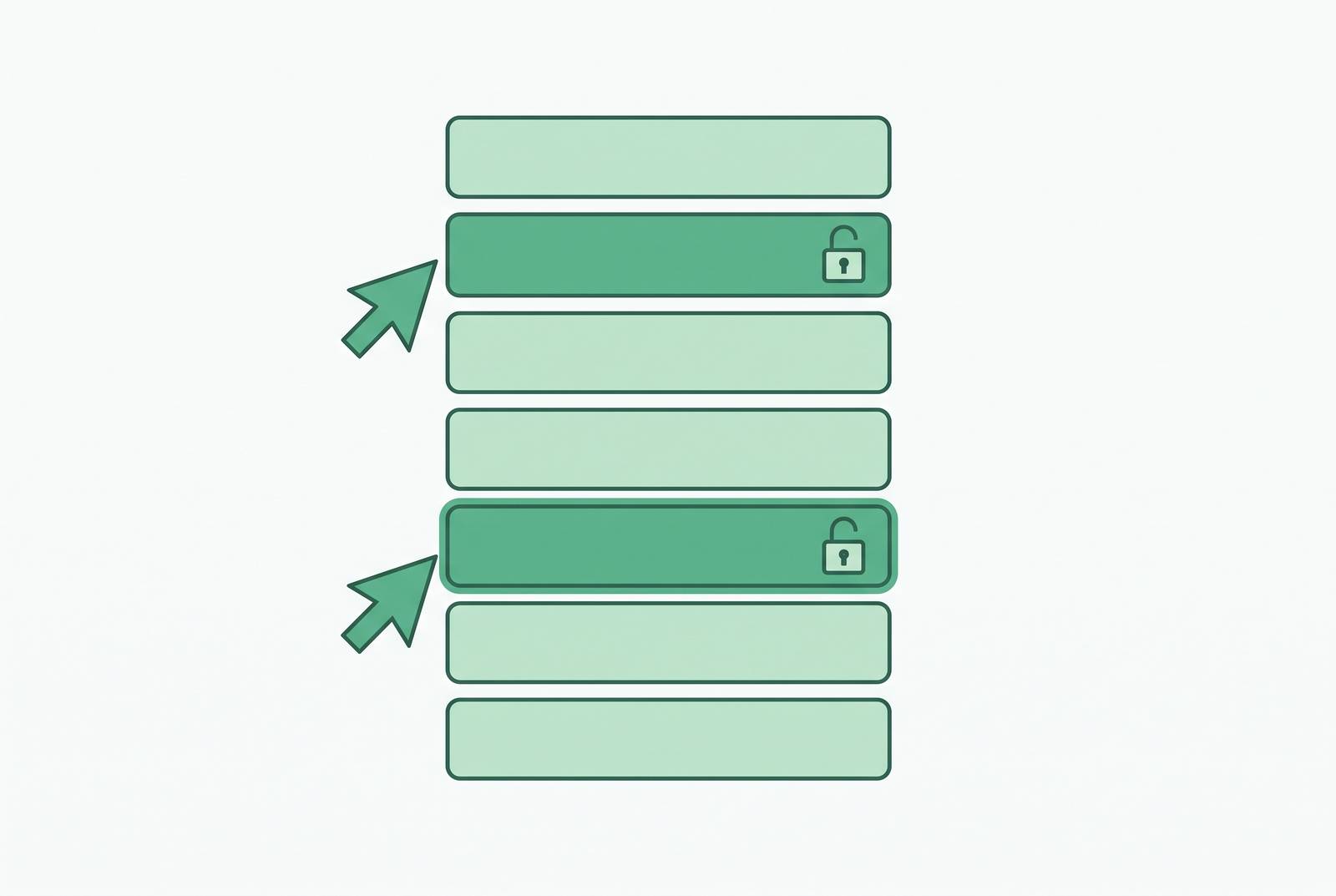
Support agents need write access to customer records, but the two standard options are both bad. Giving them database credentials is dangerous. Routing every change through engineering is slow. There's a middle path, and it doesn't require a custom internal tool. Scoped access by role, row, and action, enforced at the database and in a tool that connects to it directly, solves the problem.
Why support agents end up with too much or too little database access
A customer writes in asking for a subscription change. The support agent pulls up the account, confirms the customer's identity, and knows exactly what needs to happen: update the plan, apply a credit, move the renewal date. Then they hit the wall. They can't make the change themselves because they don't have write access to the production database. So they file a ticket. The agent looks unhelpful. Nobody feels good about this.
The other version is worse. The support team has a shared set of database credentials that someone set up months ago, and half the team uses a SQL client to run updates directly against production. The direct-credentials path fails because one bad query can mutate or delete production data, and the audit trail is empty.
That's the trap. Too little access turns every data request into a bottleneck that drags engineering away from product work. Too much access leaves production data one miscorrection away from disaster. Support agents end up at one pole or the other, rarely in the middle where they should be. The question isn't whether support should have access. It's how to give them exactly what they need and nothing more.
Why the "build a quick admin panel" reflex creates its own access problem
The instinctive fix is to build something. An internal admin panel, thrown together in a sprint, that lets support look up customers and edit a few fields. But the custom admin panel has a structural flaw: it bypasses the permission controls that protect your production application.
Product codebases enforce tenant scoping and permission checks at the repository layer. Every query your application runs goes through that layer, which is why customer A can't see customer B's data. An admin panel is typically written to go around that layer, because the whole point is to see across tenants. Cross-site scripting in an admin panel runs with operator-level access, not customer-level access.
The maintenance burden compounds the problem. Oso's agent permissions guide frames the core principle well: the tool proposes actions, and policy authorizes them. Letting the tool's own logic substitute for authorization is how incidents happen.
The three dimensions of access that actually need scoping: role, row, and action
Scoping access correctly means making three separate decisions. They get collapsed into one fuzzy question ("can this person touch the database?"), and that collapse is what creates over-permissioned or under-permissioned agents. Role is the who. Which agents may touch which tables at all. This is ordinary RBAC, and it's the coarsest layer. Row is the which records. Action is the what they can do. SELECT on a record is not the same as UPDATE or DELETE.
Oso's guide identifies three permission surfaces that fail differently: data access leaks, action surfaces cause side effects, and identity surfaces are where the most damaging failures begin. A support agent who can read any customer record but only write to the refund_requests table for customers assigned to their queue has all three dimensions scoped correctly. Get one wrong and you're back in the trap: too much reach, or not enough.
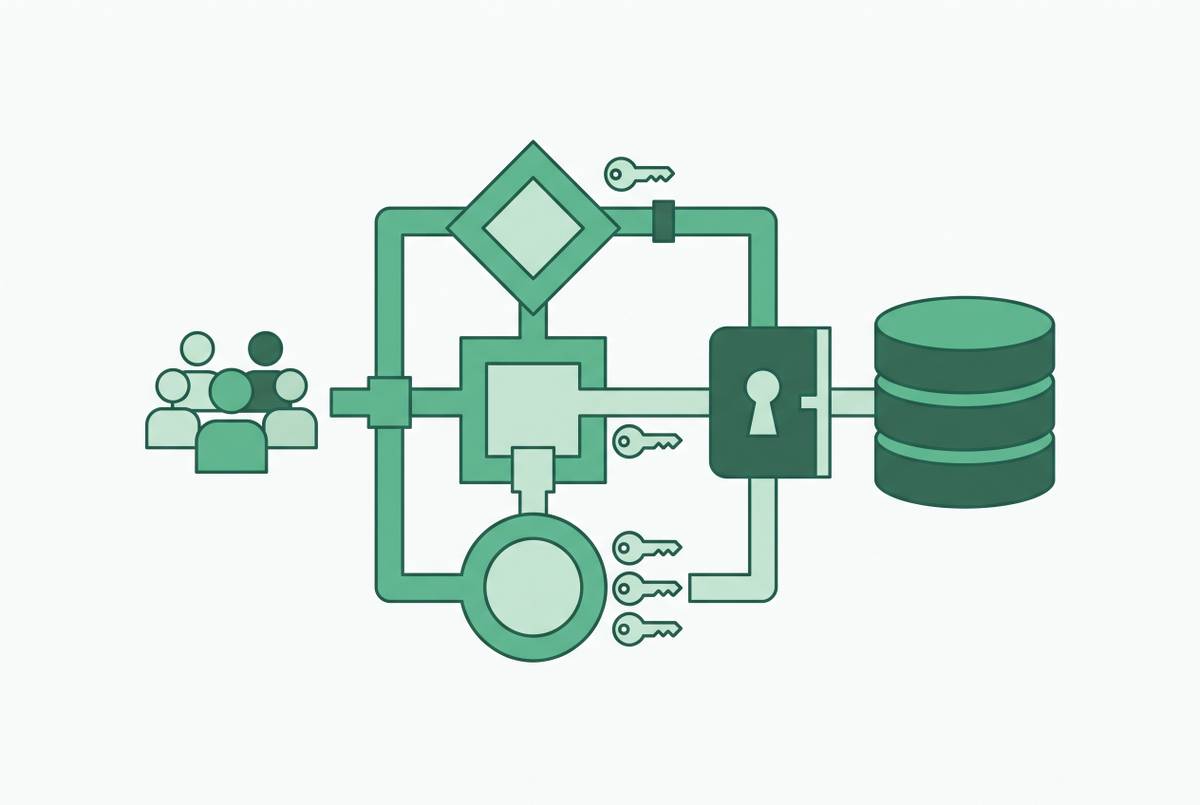
Once you split access into these three decisions, the tooling choice gets clearer. You need something that can enforce role-based access at the database level, map row-level security into the views users actually see, and limit each role to the actions it should perform. A database-connected platform designed for governed access (like Basedash, which connects to PostgreSQL and other databases to surface permissioned views and editable records) handles all three without custom code for each policy change.
How PostgreSQL row-level security enforces the row dimension at the database layer
Row-level security is the reason you don't have to trust the tool to get row scoping right. PostgreSQL RLS enforces the row dimension at the database itself, and it's not bypassable by anything connecting as a non-owner role without the BYPASSRLS attribute or superuser privileges. You can wire a beautifully scoped UI in the application layer, but if the database doesn't enforce it, someone with a SQL client and the right credentials walks right past your careful work.
Three conditions have to hold for RLS to work as a security boundary rather than a convenience filter. Without a policy, the default is deny. No policy, no rows.
The layering matters too. Both layers are necessary, and neither substitutes for the other. You can GRANT SELECT on customers to a support role and then let RLS restrict that role to rows where assigned_agent_id equals the current user. Schema isolation is a complementary pattern. Keep raw application tables in one schema and expose only agent-approved views in a second schema, so a support agent's credential resolves only against the sanitized schema and cannot even see the raw tables. This is defense in depth, not belt and suspenders.
What the tooling layer must add on top of database-level controls
RLS handles the row dimension elegantly. What it can't do is everything else. It won't give you a UI that enforces role-based views. It won't produce permissioned edit forms that limit which fields an agent can change. It won't create an audit log that satisfies a compliance team. Those live in the tooling layer, and if you skip them, you've built half a solution.
The tool you choose needs to supply four things at minimum. Individual authenticated accounts, not shared credentials, with a second factor, so every access is attributable to a named person. Role-based views, so a support agent sees their customer queue, a billing team member sees invoices, and neither sees the other's view. Permissioned edit forms that restrict which fields an agent can change and on which rows, so "can update" never silently means "can update any column on any record." And an immutable audit log of every read and write with a reason attached, so when compliance asks who accessed a customer's PII, the answer is one query away.
Arthur's access management framework argues that fragmented, per-team access policies are exactly how sensitive systems end up exposed without anyone noticing. The tooling layer is where a unified policy gets applied consistently rather than re-implemented per workflow. Descope's credential management guide documents the shared-service-account failure plainly: when multiple agents authenticate through the same service account, individual agent behavior becomes unattributable. You can't hold anyone accountable if you can't tell who did what.
How Basedash and comparable platforms deliver these controls without a custom build
Here's where the build-versus-buy question gets a clear answer for a team at this scale. A database GUI and BI platform that connects directly to a production database and enforces permissions at the row and role level satisfies all four tooling-layer requirements without a line of custom code. The platform sits between your database and your support team, translating permissioned queries into a UI anyone can use.
Basedash connects directly to Postgres, MySQL, Snowflake, BigQuery, ClickHouse, SQL Server, Redshift, and other databases, with no separate ETL or data warehouse required, though a managed warehouse with 750+ SaaS connectors is available if you want it. Engineering and data teams configure row-level permissions on Postgres databases so each user or role sees and edits only the records within their scope. The database connection is shared. The visible data is not. Non-technical users in support, ops, and billing get permissioned dashboards and saved queries without SQL access or raw credentials. Audit logging of who accessed and changed what is available on the Enterprise plan. And when the database schema changes, the platform reflects it rather than requiring a UI rebuild, which is exactly the maintenance burden a hand-rolled panel can't escape. PostgreSQL's RLS policies are only as useful as the interface that consumes them. A tool that reads those policies and builds views automatically, rather than forcing engineers to reimplement them in application code or admin-panel logic, collapses the gap between policy and practice.
Other platforms in this space, database-connected admin and BI tools that offer row-level permissioning, vary in how deeply they enforce row-level access. When you evaluate them, confirm whether permissions are enforced at the tool layer, the database layer, or both. Some require a semantic modeling step or a separate data layer before permissions can be applied, which adds setup overhead if you want to go from database to scoped UI quickly. Audit log depth and format vary too. Some log only schema-level events, not row-level reads, which is a meaningful gap if you're answering compliance questions about who accessed specific customer records.
The audit log as the accountability mechanism that makes safe write access politically viable
The audit log is the piece that makes the whole thing politically viable. A security team that hears "support agents will have write access" immediately thinks about what could go wrong. The log is what lets them say yes, because every action becomes attributable, timestamped, and queryable. It's not a nice-to-have. It's the difference between a proposal that gets approved in a week and one that dies in review.
Without an audit log, the answer to "who changed this customer's subscription status on Tuesday?" is a manual Slack archaeology project. With one, it's a single query. The log entry needs to capture who (a named individual account, not a service account), what (table, row ID, field changed, old value, new value), when (a timestamp), and why (the reason field the agent supplied at write time). Skip the reason field and you'll get logs full of "misc fix" and no real signal when you need it.
Descope's guide documents the consequence of skipping this entire step. When a shared service account is used, incident response gets blocked because the audit trail shows which account acted but not which user. That makes the log useless for accountability. Audit trails are also what compliance audits run on. When asked "who has access to customer PII?", a team with proper logging answers in minutes. A team without it spends days on permission archaeology across systems. The log converts the organizational objection from "we can't give agents write access" into "we can, and here is how we verify it."
Putting it together: a scoping checklist for a support-agent write-access rollout
Rolling out scoped write access is a five-step process, not a one-time permissions decision. Here's the sequence, in the order you'd actually do it. First, map the actual access need. List the exact tables, row criteria (like "records where assigned_agent_id = current user"), and permitted actions like SELECT or UPDATE on specific columns for each support role, before touching any tooling. If you can't write this down, you don't know what you're granting.
Second, enforce the row dimension at the database. Enable RLS on each relevant table, create a non-owner role for support-agent connections, and write an explicit policy for each permitted operation. Deny by default.
Third, add a schema isolation layer. Expose agent-approved views in a dedicated schema so the support credential cannot resolve against raw tables even if RLS has a gap. This is cheap insurance and it closes a class of mistakes that RLS alone can miss.
Fourth, configure the tooling layer. Use a platform (Basedash or equivalent) to enforce role-based views, permissioned edit forms, and individual authenticated accounts. Confirm the platform logs row-level reads and writes, not just schema-level events.
Fifth, verify and tighten. After the first two weeks of live use, review the audit log for any access patterns outside the intended scope. Use that data to tighten policies rather than waiting for an incident. Oso's guide recommends continuous tightening: deny-by-default is the starting position, and every expansion requires a concrete justification, not convenience.
The payoff is real. Support agents self-serve the lookups and edits their role requires. Engineering stops fielding data requests and gets back to building. The security team has the audit trail it needs to answer any question about who did what. And nobody is maintaining a custom admin panel that rots every time the schema changes. That's the version of support access that actually works.