Self-Serve Analytics Access Without SQL Knowledge at Mid-Size Companies
Governing your data layer first makes self-serve analytics work, not better interfaces.

A marketing manager opens the BI tool, looking for last month's campaign numbers. The screen shows forty tables with names like camp_evt_raw and mkt_attr_v2. She has no idea which one holds the answer, so she closes the tool and sends a Slack message to the analyst instead. That's the actual failure pattern at most mid-size companies, and it has almost nothing to do with whether the company owns a good BI tool. The tool works fine. Nobody can tell, just by looking at the data, which table is the real one.
That single moment, tool open, question unanswered, Slack message sent, repeats itself hundreds of times a week across sales, support, and product teams at companies with fifty to a few thousand employees. Each time it happens, the BI tool quietly turns into a reporting layer for one person (the analyst) rather than a self-serve layer for the team it was bought for. Practitioners have a name for this outcome: the failed state. Every question still routes through an analyst. The data team becomes a queue of people translating plain-language questions into queries all day, and the common fix, hiring more analysts, doesn't shrink that queue; it just makes a slightly bigger queue.
The cost of this appears on both sides of the organization. Business teams end up making calls on stale numbers or on whatever the analyst had time to pull together between other requests. Meanwhile the data or engineering team spends its week fielding one-off questions instead of building the infrastructure that would let those questions get answered without them. Everyone is busy. Almost nobody is actually self-serving.
The root cause is not SQL literacy, but ungoverned data underneath the tool
The reason self-serve analytics keeps failing at mid-size companies is that the data underneath the tool was never organized for anyone besides the analyst who built it. Swapping SQL for a natural language box or a drag-and-drop chart builder doesn't fix anything if the tables are unstructured, inconsistently named, or missing any agreed definition of what the business actually means by its own metrics.
Picture a revenue question that could plausibly be answered by a dozen different tables. No one has ever declared which one is the real source of truth. In that situation, a business user is stuck, and so is an AI query layer trying to guess on her behalf. Neither one has a way to know which table is right, because the information needed to know that was never written down anywhere. That's the thing the analyst was actually providing all along: not SQL skill, but judgment about which table to trust and why.
Without a shared definition for a metric, different teams compute it differently and nobody notices until the numbers collide. Marketing might define "churn" as subscription cancellations. Finance might define it as revenue loss. Customer success might be tracking net retention instead. All three are legitimate ways to think about churn, and all three will produce different numbers from the same underlying database. The disagreement becomes visible not in a spreadsheet but in a leadership meeting, when three people present three different churn rates and the room stops trusting all of them at once.
AI-native BI platforms like Basedash are built to translate plain-English questions into SQL grounded in governed metric definitions, but their accuracy and reliability depend entirely on the semantic layer that defines those metrics. Without a single source of truth for what "churn" or "MRR" actually means, even a sophisticated query layer can't reliably tell which table is authoritative, so it ends up guessing, and business users learn to second-guess whatever answer comes back. A smarter query interface narrows the gap between a question and a SQL statement. It leaves unresolved which of twelve tables was supposed to answer that question. That part has to be handled before any tool gets involved.
What governed data access requires
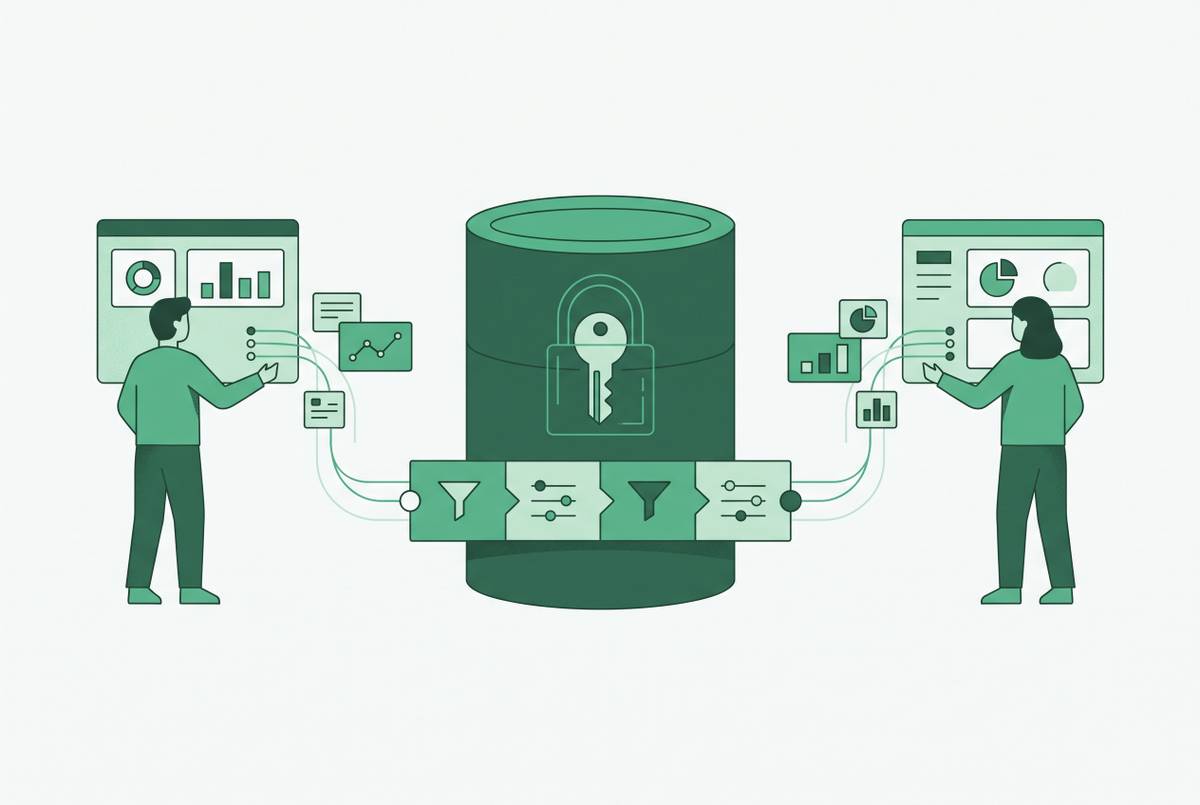
Self-serve analytics that actually works needs three things in place before a business user ever touches an interface. First, a semantic layer that defines each metric once and reuses that definition everywhere. Second, row-level permissions that control which records each person can see without handing out raw database credentials. Third, enough clarity in how tables and columns are named that a non-expert, or a query layer acting on her behalf, can tell what's actually in front of them.
Start with the semantic layer. It means "Monthly Recurring Revenue," "Active Users," and "Churn Rate" get defined once, by the data team, with exact business logic attached. Every person who asks about those metrics afterward gets the same number back, no matter which interface they used or which table happened to get queried. That definition should live in one central place, stay version-controlled as the business changes, and prevent each new tool user from quietly inventing their own version of "churn" the way marketing, finance, and customer success did in the earlier example. Skipping this step means every person who opens a visual query builder eventually redefines the same business logic on their own, producing a number that doesn't match the colleague who ran a similar query last week.
Now the permissions. Row-level security enforced at the data layer itself, not just inside the BI application sitting on top of it, is what makes broad access safe to hand out. Application-layer controls only protect the data a user sees through that specific BI tool. Enforcement built into the database itself means that even a query an AI tool generates on the fly still can't pull back rows that person isn't allowed to see. This distinction is not theoretical. Application-layer row-level security has documented gaps: certain workspace roles can bypass the rules entirely, and cached results sometimes hold onto stale permission states until the next refresh cycle runs. For a mid-size company that wants sales, marketing, and support all looking at production data, permissions enforced at the database or warehouse level are the practical answer. Leaving that enforcement to the BI tool alone is a gap waiting to be found.
Last, naming clarity. Tables named tbl_42 or cust_meta_bak tell a non-technical user nothing, and they don't give an AI query layer much to work with either. None of this requires a rebuild of the company's entire schema. It requires documentation, sane naming, and a decision about which tables are authoritative, done once, by the people who already understand the data best.
How tool category choice affects the governed foundation
Once the governance work above is in place, the tool decision becomes a question of architecture, not features. A platform that copies data into its own separate store, or that applies its own metric logic independent of the semantic layer already built, breaks the single source of truth that governance was supposed to create. Now there are two versions of "churn" again, just inside a nicer-looking interface.
The better architecture connects directly to the live warehouse or production database and runs queries against that governed data where it already sits. That approach keeps the existing permission model intact, stays current with whatever just changed in production, and skips the overhead of maintaining a second analytical copy of the same data. For a mid-size company, a separate ETL pipeline is one more system to babysit, one more place where permissions can quietly drift out of sync, and one more source of delay between something happening and someone being able to see it happened.
Natural language querying, the feature most of the current generation of tools leads with, only changes the accessibility picture when the SQL it generates runs against data that's well-structured and clearly named. On a well-organized database, leading platforms hit high accuracy on common business questions. That accuracy drops fast once column names get ambiguous or the terminology is specific to one team's jargon and was never documented anywhere the tool could find it. A natural language interface is a translator, and a translator is only as good as the dictionary it's working from.
That's part of why query transparency matters as much as the plain-English box up front. A platform that shows the actual SQL it generated, to both the end user and the data team watching from the admin side, lets someone verify it's hitting the right table and applying the right logic. Trusting an AI tool to have silently inferred the correct business definition, with no way to check its work, is a bet most data teams shouldn't be making on an executive's behalf. A governed semantic layer, where metrics like Monthly Recurring Revenue or Active Users get defined once by the data team with precise business logic, is the prerequisite that makes self-serve analytics work. Platforms built around that principle, Basedash among them, enforce those definitions the same way for every query and every user, which is what keeps metric sprawl from creeping back in the moment a visual query builder is handed out broadly.
One more requirement specific to mid-size companies: the tool has to work for the full spread of teams actually asking questions, product, sales, marketing, support, ops, without requiring each of those teams to have its own embedded analyst. That means the exploration interface has to be genuinely usable by someone who's never written SQL, sitting on top of data that's actually governed. Technically available to non-technical users isn't the same as usable by them.
The setup in practice for a mid-size engineering or data team
The build order follows directly from the argument above: govern the data first, connect a tool second, open access to the rest of the company third. Reversing that order is how companies end up back in the failed state described earlier.
Step one is the semantic and permission layer. The data or engineering team decides which tables and views are safe for which roles, sets row-level access rules at the database level, and renames or documents whatever columns and tables business users will eventually encounter. This work happens once, and it gets maintained as the schema changes, not rebuilt from scratch every time someone adds a new column.
Step two is connecting a tool that reads from and respects that layer. The tool should read directly from the governed database or warehouse, inherit the permission rules already defined there, and show business-facing metric names rather than raw column names to the people using it day to day. This is where a platform like Basedash fits the pattern described earlier: it connects directly to databases such as Postgres, MySQL, Snowflake, and BigQuery, running live queries rather than syncing a separate copy, which keeps it aligned with whatever permission model the data team already built at the warehouse level.
Step three is graduated access. Instead of handing the entire schema to every business user on day one, the data team exposes governed views, pre-built queries or data models that constrain exploration to the tables and metrics that have already been checked and approved. A marketing manager asking about campaign performance should be working inside a bounded, correct space, not wandering a raw schema hoping to stumble onto the right table.
This whole approach is sometimes called database-native BI. The governed database or warehouse is the actual foundation. The tool is a structured window into it. And the engineering team's job shifts from building a custom internal app from scratch to administering a system that was designed, from the start, to be looked at directly.
The failure modes that appear when teams skip the governance step and go straight to tool deployment
The common shortcut is pointing a self-serve tool at a schema that was never organized and hoping people figure it out. They don't, and what happens next is predictable enough to list out in advance.
Failure mode one: the tool becomes one person's reporting layer. The analyst remains the only person who actually knows which table holds the real answer. Business users open the tool, get lost in the table list, and send the question to the analyst anyway. The company has added a UI without removing the bottleneck that UI was supposed to remove.
Failure mode two: metric sprawl, and trust that erodes along with it. Without a central definition, teams compute the same metric different ways, and the inconsistency becomes visible in a leadership meeting, where the room concludes the tool can't be trusted. Everyone reverts to spreadsheets and analyst requests, right back where things started.
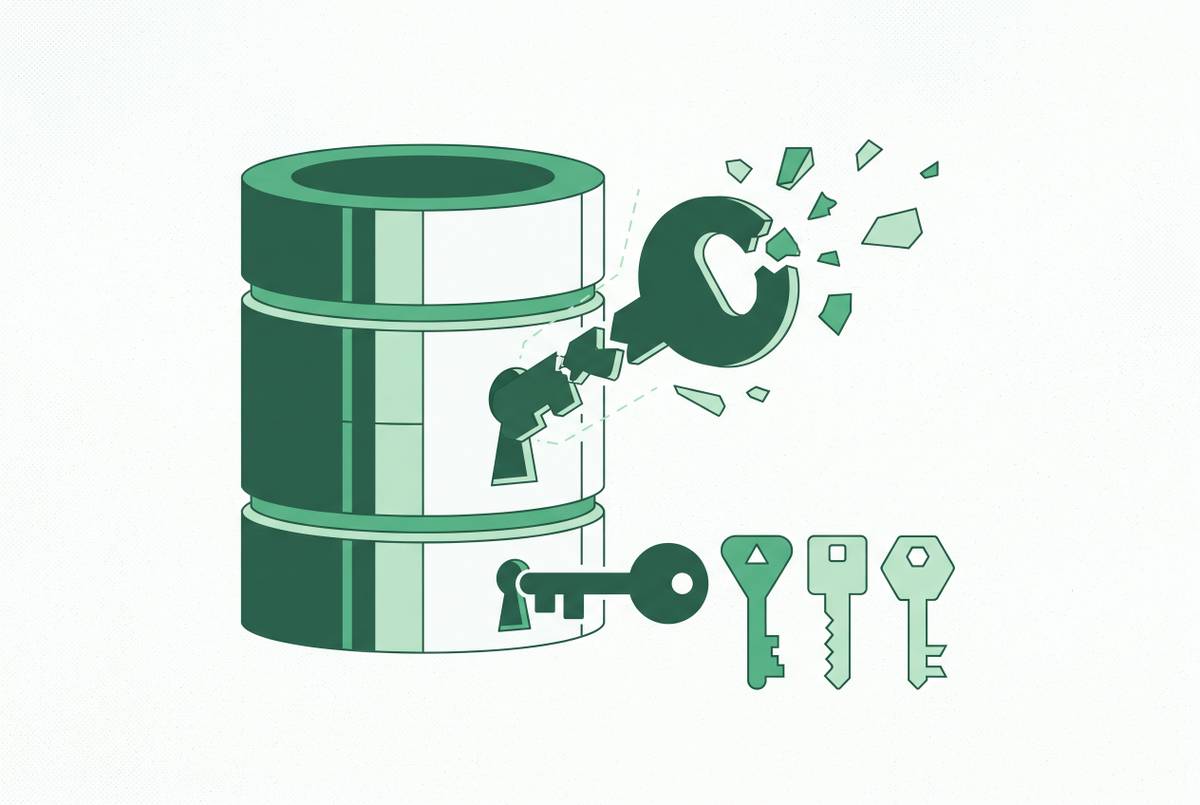
Failure mode three: permission drift. Rules defined only inside the BI application can be sidestepped by users with certain roles, or can fall out of sync the moment the schema changes underneath them. The tool looks like it's governing access the whole time, while the actual data sitting behind it is effectively unprotected.
Failure mode four: AI accuracy collapse on a schema nobody cleaned up. A natural language query layer's accuracy depends on clearly named, documented tables; cryptic column names or tables named for engineering convenience instead of business meaning push it toward confident, plausible, wrong answers. A wrong answer that looks right is worse than getting no answer.
All four failure modes trace back to the same decision: the tool got deployed before the data was ready for it. The fix in every case is the same, too. Go back and do the governance work, rather than shopping for a different tool and hoping the new one handles disorganized data better than the last one did.
Auditing whether your current setup is governed enough for self-serve access
A mid-size company can check its own readiness with four questions, each one mapped to one of the failure modes above.
First, can a non-technical person open the tool, land on a dashboard or governed view built for their domain, and get an answer to a common question without pinging an analyst to find out which table to use? A no here means the semantic and documentation layer isn't built yet.
Second, if two people from different teams both ask for "revenue" or "churn," do they get back the same number? A no here means metric definitions aren't centralized, and each team is quietly computing its own version, which will eventually become a trust problem in some meeting nobody is looking forward to.
Third, are access rules enforced at the database level, so a user can't pull back rows they're not supposed to see no matter how the query gets submitted, including through an AI-generated SQL path? A no here means the permission model has gaps, and those gaps only get bigger as more users and more ways of querying get added on top.
Fourth, when a column gets added or a table gets renamed in production, does the governed layer update in a predictable way, or does it quietly break a dashboard someone depends on? If it's the latter, the maintenance burden grows every time the schema changes, and trust in the tool erodes a little more each time.
Most mid-size companies will find at least one of these four conditions isn't met yet. The right move from there is to fix the data layer first, not to go looking for a more advanced query interface to sit on top of the same disorganized tables. The companies that actually get self-serve analytics working are the ones that treat the data infrastructure itself as the product. The tool is just the interface. What makes that interface worth trusting is the governed database or warehouse underneath it, with metrics defined once, access rules enforced where they can't be bypassed, and tables documented well enough that a person who has never written a line of SQL can still find her way to the right answer.