Replacing Shared Database Credentials With Role-Based Access Controls
Role-based access replaces convenience with accountability, attribution, and compliance.
Picture the scene: a DBA needs to check something in production, so someone pulls the password from a secrets vault, or, more likely, finds it sitting in an old Slack message. They open a SQL client, connect directly, run the query, get the answer, move on. Nothing about what they just queried gets logged anywhere. Nobody stops to ask whether that's a problem, because it isn't, not that day.
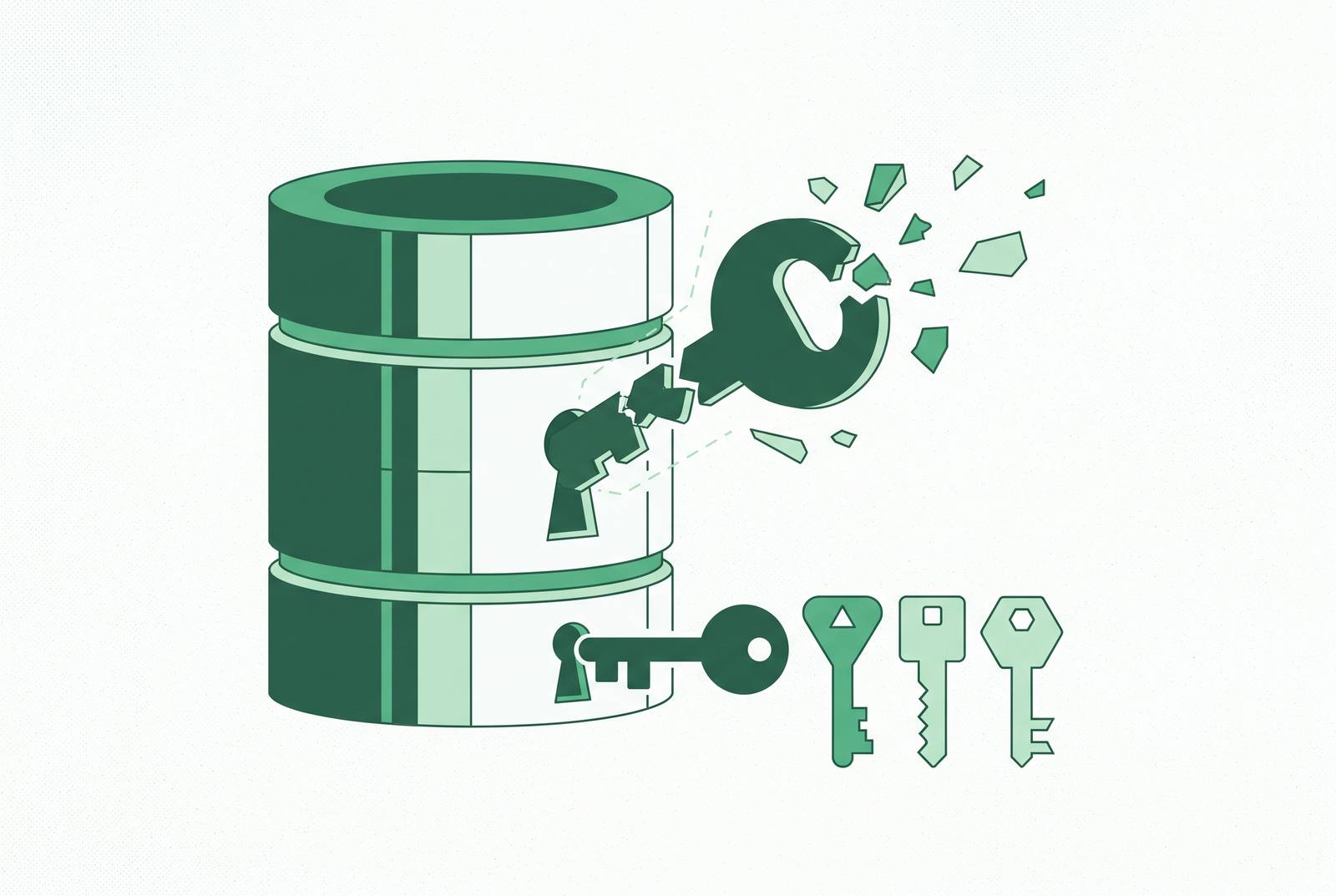
That's the thing about the shared-credential pattern. It's born from convenience, not ignorance. It's born from convenience, and convenience wins in the moment almost every time. Rotating that password would mean redeploying every application that depends on it, and redeploying things is hard, so the rotation gets pushed to "next sprint" indefinitely. The credential just sits there, aging quietly, doing its job.
And here's where it gets worse: the longer it sits, the more it spreads. More people learn it because they need it for something urgent. It ends up pasted into a CI log somewhere. Every month that passes without cleaning it up, the cleanup job gets bigger, because now there are more places to scrub and more people to notify. Nobody wakes up one day and decides to create a security liability. It accretes, one reasonable shortcut at a time.
Business pressure doesn't help. Self-service BI adoption has climbed sharply over the past few years, and surveys of product managers show most of them burn several hours a week just asking engineering for data instead of getting it themselves. It's efficient in the moment. It's efficient. That's exactly the problem.
Risks of shared credential abuse or exposure
So what happens when this arrangement actually fails? Start with attribution. If every engineer has their own named PostgreSQL role, a tool like pg_audit can tell you exactly who ran what, down to the individual. But if they're all sharing one role, the log can only prove that the shared account executed a query. It cannot tell you which of the dozen people holding that password actually typed it, or confirm that person was supposed to have access at that point in time. The log exists. It just can't answer the question anyone actually asks after something goes wrong.
Then there's revocation. Say one person on that shared account leaves the company, or gets moved off a project, or simply shouldn't have access anymore. You can't just turn off their access, because there is no "their access." There's only the one credential, and turning it off means turning it off for the app that depends on it too.
And the blast radius compounds both of these. A credential that was only ever supposed to grant one team read-only access to one schema often, in practice, grants read access to the entire server, because nobody scoped it carefully at setup. Nobody sat down and asked, "what's the minimum this actually needs to see?" They asked, "does this work?" And it did. Nobody scoped it carefully at setup, and that's the trap.
None of this is theoretical. In June 2025, researchers found something like 16 billion login credentials compiled from infostealer malware logs, phishing kits, and older breaches stitched together, the largest exposure of its kind on record. Verizon's Data Breach Investigations Report found that more than 74% of breaches involve the human element in some form, through credential misuse or plain social engineering. Credentials are usually the plot in the breach story. They're usually the plot.
How RBAC's core logic differs from shared credentials
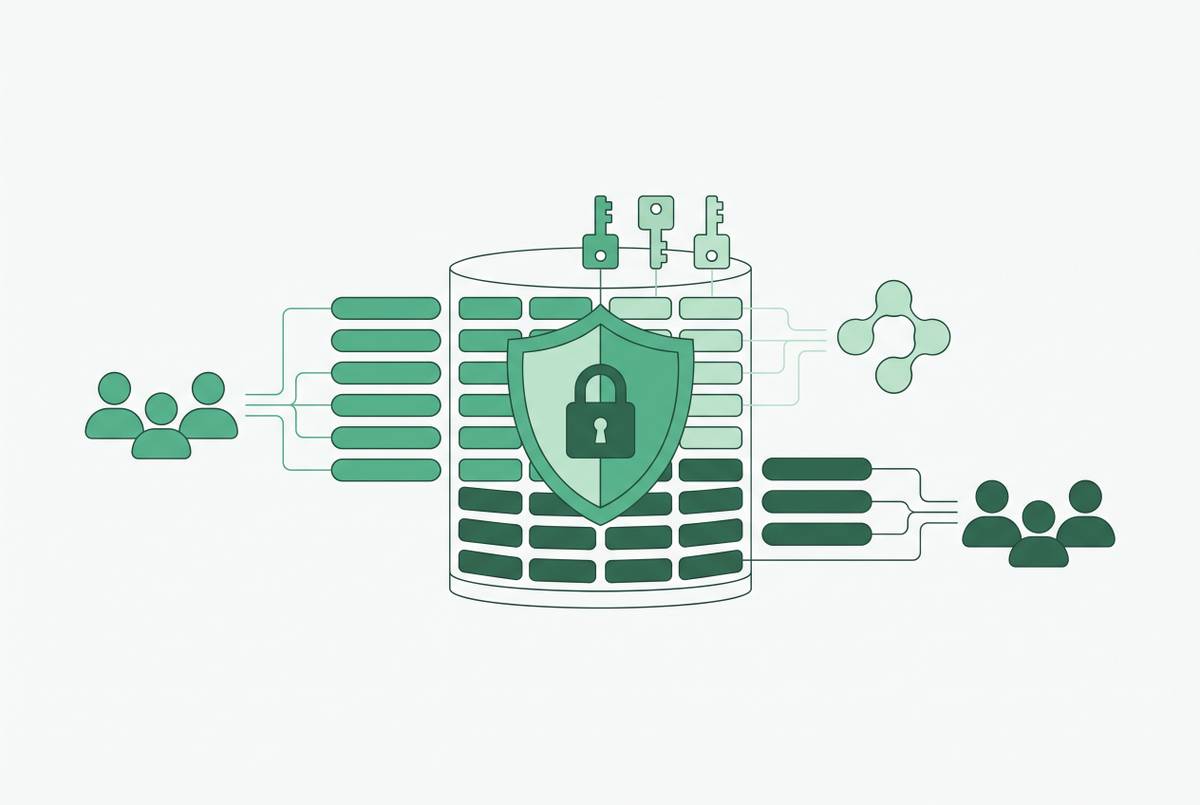
Role-based access control flips the whole model. People get access by being assigned to that role, not by being handed a password.
The indirection here is the entire point. When someone's job changes, you update the role once, and every person assigned to it inherits the update automatically. You're not hunting down individual accounts trying to remember who has what.
Compare that to a shared credential, which is really the inverse of RBAC in every respect: one identity standing in for many people, with zero differentiation by function or by how much access any one of them actually needs. RBAC gives you three things a shared credential structurally cannot. Attribution: every action ties back to a named identity, full stop. Revocation: pulling one person's access doesn't touch anyone else's. Scoping: permissions map to what the role actually requires, not to whatever was quickest to set up at the time.
This isn't just an engineering nicety, either. RBAC is the access model that supports compliance work under GDPR, HIPAA, PCI DSS, and SOC 2. Auditors expect to see role definitions and access logs tied to actual named identities.
Designing the role taxonomy before writing a single GRANT statement
The real work starts before anyone touches SQL. The instinct is to jump straight to permissions: grant this, revoke that, move on. The more durable approach is to sit down first and map out the actual job functions that touch the database.
A few categories tend to appear in nearly every environment. Application service accounts: the credentials the production app itself uses to read and write. Migration and schema management accounts: things deployment pipelines use, never a human sitting at a terminal. Read-only analytics accounts: scoped tightly to views or reporting schemas, never given access to raw tables. Administrative accounts: a small, named, closely reviewed group, not something handed out by default to anyone senior enough to ask.
Least privilege has to be the design rule from the start. A developer debugging a production issue needs read access. That's it. Giving them write access because it's "faster to set up" defeats the purpose before the role even exists. Same logic applies to a contractor who needs one schema for one project; they don't need the whole server just because scoping down felt like extra work.
This is also where separate identities for separate jobs matters most. The analytics tool should never connect using the same credentials the production application uses. If the product team only needs a handful of metrics, give them curated views and a restricted schema.
And watch for role sprawl, because it's the failure mode that undoes all of this quietly. Roles get created fast to solve an immediate problem and then nobody revisits them. The textbook version: a new marketing hire gets full administrative access to the CRM because "that's what the last person had," when all they actually need is read access to customer records and write access to campaigns. Nobody meant for that to happen. It just happens, over and over, unless someone designs against it up front.
Implementing RBAC in PostgreSQL and SQL Server: the mechanics
Once the taxonomy exists on paper, the database work is comparatively mechanical. If every engineer has an individual PostgreSQL role, pg_audit gives genuine per-user attribution, tying a query back to one person. Share the role, and you lose that; the log can only tell you the shared account did something, not who was behind it.
Authentication configuration matters just as much as the roles themselves. SCRAM-SHA-256 in pg_hba.conf is the current recommended authentication method for PostgreSQL going into 2026. And one of the most common ways environments get compromised is embarrassingly simple: trust authentication gets left in pg_hba.conf after a debugging session and never gets removed. It's the digital equivalent of leaving the front door propped open after moving furniture in.
Application accounts should be granted only the exact tables and commands the app needs, nothing broader. Analytics accounts stay read-only, scoped to views or reporting schemas. Admin accounts stay restricted to a named few people, reviewed regularly.
SQL Server follows the same underlying logic, applying RBAC to control access to database resources according to the principle of least privilege. Tools like Devart's Security Manager exist specifically to support setting up and maintaining that kind of role structure.
None of this works in isolation, though. RBAC governs who can do what once they're authenticated, but something still has to manage the credentials themselves. That's the job of a secrets manager, tools like HashiCorp Vault, AWS Secrets Manager, Azure Key Vault, or Google Secret Manager. These act as the system of record for non-human credentials, database usernames and passwords, API keys, TLS certificates, and they centralize the full lifecycle: create, use, rotate, revoke. Skip this piece and credentials end up exactly where they always end up: hard-coded in repos, baked into container images, sitting in plain text inside CI variables. Individual named roles replace shared credentials, with GRANT and REVOKE targeting those roles rather than individual users directly. SQL Server.
Adding row-level security and column masking on top of RBAC
RBAC decides whether someone can touch a table. It doesn't decide which rows they see inside that table, and it doesn't keep a sensitive column hidden from them. That's a separate layer, and skipping it is where a lot of otherwise well-designed access models quietly fall apart.
Row-level security handles the rows. It's evaluated at query time, using the current user's identity or session context, so the same underlying policy returns different results depending on who's asking. No custom application code required to make that happen. Column-level security handles the other axis, restricting which columns are even visible.
Two examples make the enforcement model concrete. In Power BI, row-level security filters rows using DAX rules tied to a user's identity, while object-level security restricts which tables and columns show up in the model at all; a user without permission on a column doesn't see a masked value, they see an error. In Databricks, row filters get enforced consistently across Databricks SQL, notebooks, jobs, and connected BI tools, with no need to rebuild that logic separately for each surface. They stack with column masks, and every query touching a filtered table gets captured in Unity Catalog's lineage and audit logs.
Handing a non-technical team data access without RLS and column masking in place is a governance failure sitting there waiting to happen. Even a credential that's read-only and properly scoped by role can still expose salary data, PII, or financial detail that role taxonomy alone was never built to catch.
Audit logging that produces attribution, not just activity records
Good logging has to capture more than query volume.
The shift that matters most is attribution. With named individual roles in place, every logged event ties back to a specific human, a specific database, and a specific timestamp. pg_audit is necessary for compliance work on PostgreSQL, but it only delivers real per-user attribution when each engineer has their own role. On a shared role, the log can prove the account did something. It cannot prove who was behind the keyboard.
Some environments extend this further with an access broker sitting in front of the database itself. StrongDM, as one example in that category, reads the database protocol directly and enforces rules at the level of the action itself, allowing reads, requiring a second approver before a write goes through, blocking an unscoped UPDATE or a DROP against a production table, and producing full session replay alongside query-level logs. In the Axos Financial deployment, this kind of setup eliminated direct credential exposure and produced one unified audit trail covering a large volume of database permissions reviewed annually.
What all of this buys, in practical terms, is that when a row changes that shouldn't have, the audit trail shows exactly who ran what, against which database, and when. That's evidence that holds up under legal review, compliance review, and whatever comes after an incident.
Giving non-technical teams safe data access without shared credentials
The demand for direct data access isn't going anywhere. Gartner's 2025 predictions found that only a small share of organizations let employees query data in natural language, and that gap, between what business teams actually need and what they can get on their own, is exactly what drives teams toward shortcuts.
The shortcut, of course, is the shared read-only production credential, handed to a SQL client or a BI tool because it's the fastest path to an answer. It bypasses the entire role taxonomy built earlier, produces no per-user attribution, and can't enforce row-level security or column masking, because it was never designed with any of that in mind.
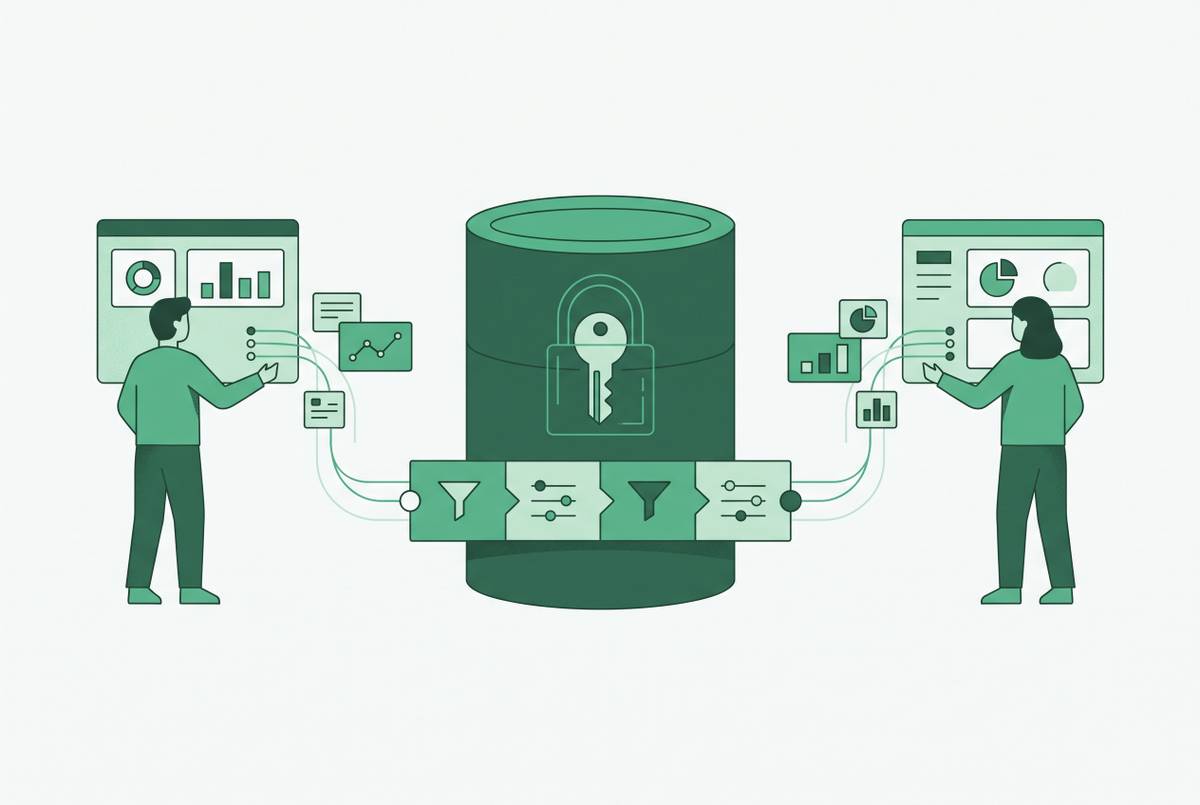
The better architecture separates these concerns cleanly. Engineering sets up named, read-only accounts per team or per tool, scoped to specific views or reporting schemas. The BI or dashboard layer then connects using those scoped credentials, never the production app's own credentials. Row-level security and column masking get applied at the database or semantic layer, so whatever a non-technical user eventually sees on their screen is already governed, no matter which interface they used to get there.
Most self-serve analytics failures are governance failures wearing an accessibility costume. They're governance failures wearing an accessibility costume. Two people ask the same question and get two different numbers back because the tool never enforced one consistent definition of the metric in the first place. That's the same root cause as uncontrolled credentials: uncontrolled access to raw data, just wearing a different outfit.
This is where the engineering team's actual decision comes into focus. Database GUI and BI tools that connect directly to a database and surface dashboards, saved queries, and editable views behind role-based permissions give non-technical teams a governed path to their own data, without requiring them to learn SQL or file a ticket every time they need a number. That's a cheaper build than a custom internal admin panel, and a safer one than a shared password taped to the problem.
Maintaining RBAC as a living system, not a one-time configuration
A new team launches. A partner gets onboarded. Someone needs access "for a few weeks" to finish a project. Permissions get added. They almost never get removed. Nobody sits down and decides to abandon least privilege. It just erodes, one unrevoked grant at a time.
Static permissions are especially dangerous in environments that don't stay static, and most don't. Companies going through growth, restructuring, or fast hiring are the most exposed, precisely because access maps stop matching reality the fastest. Stale access and forgotten credentials compound over time on their own, no fresh intrusion required to make them dangerous.
The fix is a cadence. It's a cadence: regular reviews of who has what role against what their job actually requires today, prompt removal the moment someone changes teams or leaves, and a habit of catching conflicting permissions before anyone gets the chance to abuse them. Offboarding checklists need to include database role revocation as a hard requirement, not an afterthought buried below returning a laptop.
None of this is exciting work. That's exactly why it gets skipped, and exactly why the organizations that keep doing it are the ones whose audit trail actually means something when someone finally asks the question: who had access to this, and why.
Sources
- Biggest Data Breaches of 2025: Common Attack Vectors and How to Protect Your Business in 2026
- Database Security in 2026: Essential Tips & Best Practices
- The Dangers of Shared Passwords and How to Fix Them
- Role-Based Access Control in Database Environments: Getting It Right
- Why Avoid Shared Accounts? | Office of Innovative Technologies
- Role-based access control
- Database Credentials
- Role-based access control - Documentation - Devart