Column-Level Data Masking for PII in Analytics Workflows
Learn which masking technique protects each column type without breaking analytics.
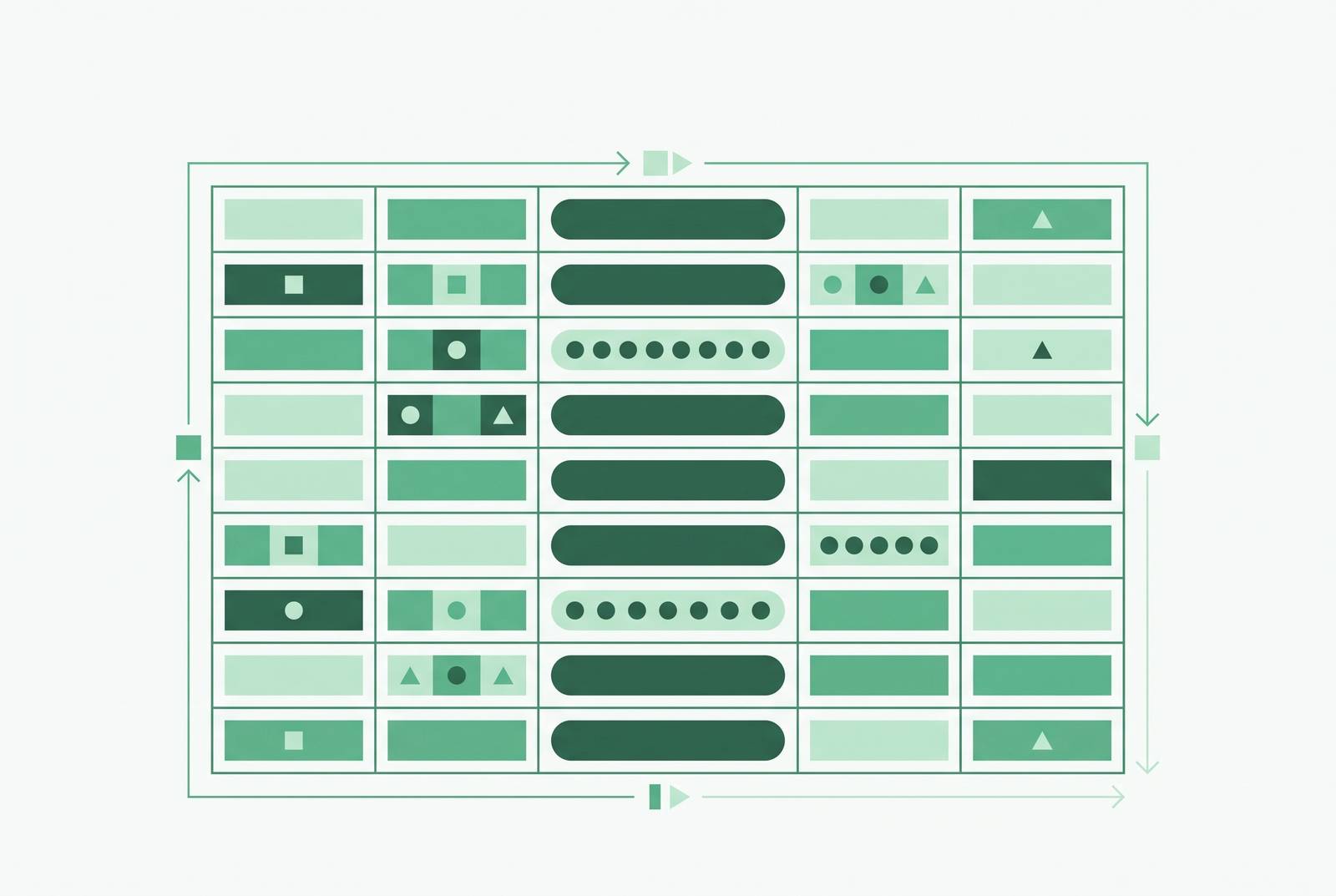
Column-level data masking is the practical control that lets analytics workflows operate on real production data without exposing PII, and understanding how it works, where it lives in the stack, and which techniques fit which use cases is the foundation for implementing it correctly.
Analytics teams are operating on live PII more than they realize
Most PII doesn't end up in analytics because someone made a reckless choice. It ends up there because someone needed a bug reproduced, or needed a realistic data volume for testing, and the fastest path was copying production straight over. A few obvious fields get stripped out, the rest goes untouched, and the export gets shared around. That's the most common way sensitive data reaches analytics teams in the first place.
Non-production environments are where this really piles up. Over half of organizations, 57%, say sensitive data volumes in non-production environments are growing, and a third, 34%, have already had a breach or theft tied to non-production data Perforce 2026 State of Data Compliance and Security Report. Separate research from K2view sharpens that picture: only 9% of SQL databases are fully compliant, and 76% of enterprises have had a sensitive-data incident somewhere in their lower environments K2view 2026 State of Enterprise Data Compliance.
Why does this keep happening? The data behind dashboards, QA suites, and data science notebooks routinely carries real names, real emails, real card numbers, real health identifiers. The whole workflow was built for speed, not because anyone's careless. Nobody sat down and designed a step called "remove the identifying information first." The pipeline optimizes for getting a copy of the data fast, not for minimizing what's in it.
That distinction matters for how you should think about the fix. This isn't a story about bad actors or sloppy interns. It's a story about a missing control at a specific point in a pipeline, which makes it, first and foremost, an engineering problem.
The compliance pressure that makes this an urgent engineering problem
The regulatory net has gotten wide, and it's not evenly distributed across neat little silos. The Kiteworks 2025 Data Forms Survey Report finds that 92% of organizations report they must comply with GDPR, 58% with PCI DSS, 41% with HIPAA, and 37% with CCPA/CPRA. That's the point: most organizations are juggling several of these frameworks at once, often through the exact same data exchange channels Kiteworks 2025 Data Forms Survey Report.
And the penalties attached to getting this wrong aren't hypothetical anymore. Meta paid €1.2 billion in 2023. Amazon paid €746 million in 2021. Numbers like that change how a compliance conversation gets prioritized inside a company, and they explain why the data masking market itself is growing so fast, from an estimated USD 1.32 billion in 2026 to a projected USD 2.59 billion by 2031, a 14.46% compound annual growth rate. Organizations aren't buying into masking because it's trendy. They're buying because the downside risk is demonstrably real and rising.
One might argue the fix is "just tighten access to production." But that misses something regulators don't care about: whether the leak came from the production database or from a staging copy someone spun up for a demo. The exposure is the exposure. The enforcement target is the organization, not the specific server or environment where the mistake happened. That single fact is why this can't stay a policy memo. It has to become a control that's actually built into the pipeline. Which raises the obvious next question: what does that control actually do, and what can it not do?
What column-level masking does and doesn't do
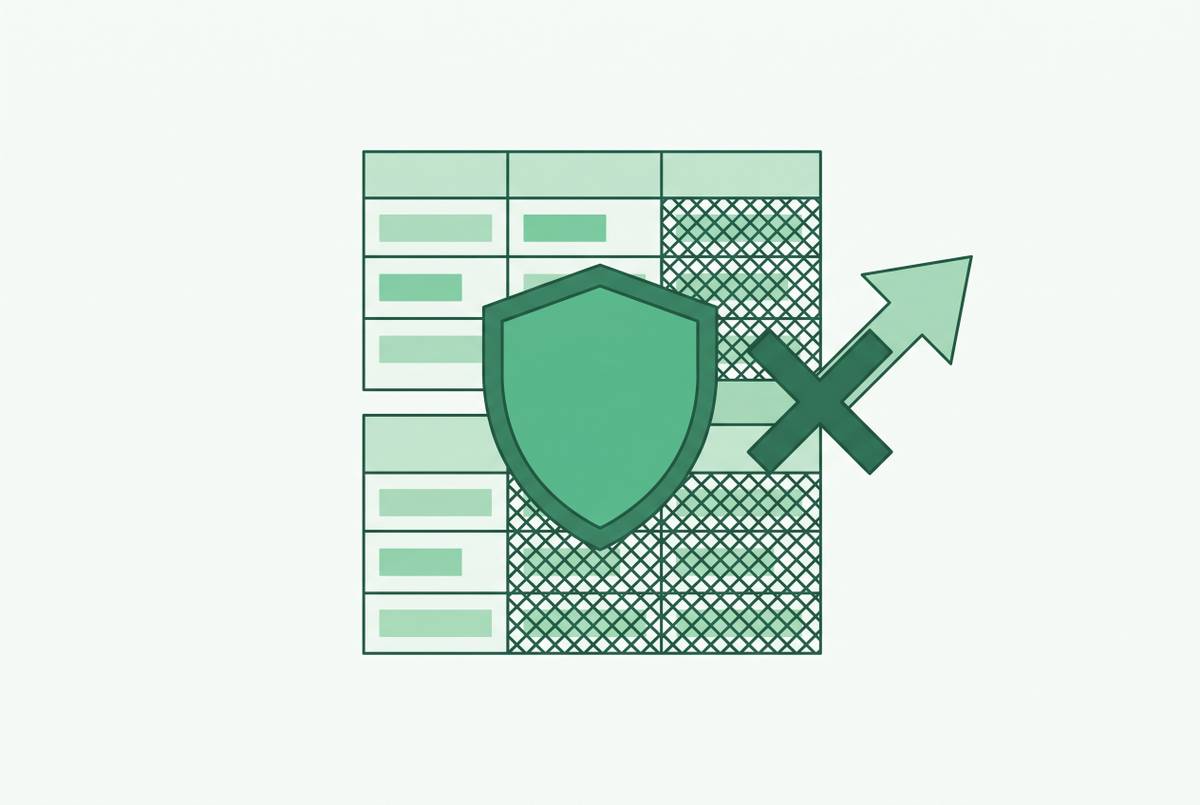
Start with what it isn't. Row-level security controls which records a person can see. It's a filter on rows. Column-level masking is different: it controls what a person sees inside a row they're already allowed to access. The analyst can see the row. Maybe they even need to. But there's one field inside that row they shouldn't read in the clear, and masking is the control that handles that specific, narrower job.
That precision is also its limit. Don't rely on dynamic data masking alone to fully secure sensitive data from users who already have query access, Microsoft's own Fabric documentation states. It stops accidental exposure. It does not stop a determined user from inferring the real value through clever queries. Masking is one layer in a defense-in-depth setup, not a finish line.
So why bother, if it's not a complete solution? Because the analytical value survives the trade. Counts stay accurate. Trends stay accurate. Segments stay accurate. What disappears is the raw identifier, the exact thing that turns a harmless screenshot, a shared dashboard link, or an AI-generated query result into an actual liability. You keep the signal. You lose the landmine.
That still leaves a real decision on the table: masking isn't one technique, it's a family of them, and picking the wrong one for a given column can quietly break the very analysis you were trying to protect.
Choosing the right masking technique for each column's job
Think of this less as picking "a masking method" and more as matching a technique to what that specific column needs to do downstream. A support field has different needs than a join key, which has different needs than a demo environment.
Partial masking shows just a slice of the value, like the last four digits of a card number. It has medium analytical value, but it's the right default for support-facing fields, where an agent needs just enough to verify someone's identity without ever seeing the full sensitive value.
Generalization trades precision for buckets. Date of birth becomes birth year. ZIP code becomes region. Salary becomes a band. This one is underrated for analytics specifically, because cohorts and distributions hold up fine while the identifying precision gets sanded off.
Substitution swaps real values for realistic fake ones, pulled from lookup tables or generated lists: fake names, realistic-looking emails, card numbers with valid formatting but no real link to anyone. Distributions and formats stay believable for testing, but the tie to a real person is gone.
Hashing is deterministic and one-way. The same email always produces the same hash, which means joins still work, as long as both sides of the join use the same hashing policy. A deterministic hash isn't the same as anonymous data. Most privacy frameworks treat it as personal data anyway, because it's a stable pseudonym, not a scramble.
Tokenization swaps the value for an opaque token, stored in a secured vault. It's the only common vault-based technique that's reversible by design (encryption is reversible too, but through cryptographic keys, not a vault lookup). Use tokenization when some authorized downstream system genuinely needs the original value back, billing, fraud review, a support escalation that needs the real card number. The architecture centers on that vault, holding every sensitive-value-to-token mapping, while the application itself only ever stores the token.
Shuffling, or scrambling, just reorders characters within a value, or values within a column. It's lightweight and keeps the format intact, but it's weaker protection on its own. Best treated as a complement to a stronger method, not a standalone answer.
Line these up and a reversibility question falls out naturally: encryption and tokenization can hand you back the original value; hashing and redaction can't. That's not a footnote; it's the actual decision criterion. Does some real business process downstream genuinely need the original value restored? If yes, you're in tokenization or encryption territory. If no, hashing or a irreversible technique is doing you a favor by making sure it can't leak back out.
Choosing the technique answers "what happens to the value." It doesn't answer "when does that happen." That's a separate decision, and it's where the static-versus-dynamic question comes in.
Static vs. dynamic masking for different workflows
Static masking permanently transforms the data at the moment it's copied. The masked copy contains no real values at all, which means anyone with access to that copy is safe by construction, not by policy. It runs as an ETL step: extract, transform column by column, load into the destination. The result is a snapshot frozen in time. It doesn't update when production changes.
That makes static masking the right fit for dev, QA, and staging environments that need full data volume to be useful, for sharing data with third parties, and for data science notebooks, where masking preserves representative distributions instead of real identities. If those environments need refreshed data on any kind of regular basis, the masking pipeline itself needs to be automated on a schedule, not re-run by hand every time someone remembers. Because it's irreversible, the original values simply aren't in that copy anymore. There's nothing to leak back out.
Dynamic masking works differently. It leaves the real data exactly where it is and applies the transformation at query time, based on who's asking. Same column, same table, but a fraud analyst or billing admin gets the real value while everyone else gets the masked one. That's the natural fit inside a live BI tool or a shared analytics platform, where the dashboard is reading straight from the real source and different people need different levels of visibility into the same field. No separate masked copy to maintain, no application changes required, enforced right at the database or warehouse level.
But remember the limitation from earlier: dynamic masking stops accidental exposure, not a determined attempt to infer the real value. It's the right tool for "most people shouldn't casually see this," and the wrong tool if you're expecting it to stop someone who's actively trying to reverse-engineer the field.
So which pattern do you pick? It comes down to whether the underlying data itself needs to move (static) or whether the same live data needs to look different depending on who's looking at it (dynamic). Getting that right still isn't the finish line, though. The decision that trips up the most teams is where in the stack the mask actually gets enforced.
Where to enforce masking in the stack
Enforce masking at the view or semantic layer, and you define the masked column once, in a governed view or semantic model. Every tool that queries through that layer inherits the masking automatically. This works well when teams have discipline around querying through modeled views rather than reaching into raw tables directly.
Enforce it at the BI tool or internal data platform layer, and column-level permissions get applied at the tool itself, so a dashboard displays a masked value to someone with lower privileges. This is the layer where a database GUI or BI platform enforces masking through row-level permissions and role-based column visibility. It's the right layer when that tool is the single controlled door for non-technical users who couldn't query the database directly even if they wanted to.
Enforce it at the application or API layer, and masking lives in application code or in API responses. This is the least reliable option as a sole control, precisely because it sits the furthest from the actual data. Anyone who gets direct database access has walked straight around it.
There's also a newer pattern aimed at scale rather than a single tool: declarative policy classification. Fields get tagged as sensitive by name pattern, by value heuristic, or by explicit labeling, and masking gets applied per destination, so the same source table can be fully masked to one downstream sink and only partially masked to another. Deterministic hashing or tokenization inside that setup keeps the masked values still joinable further downstream.
None of these layers is universally "correct." But stacking a control at only one layer, especially the application layer, leaves gaps the moment someone accesses the data through a different door. The question isn't "which layer should have masking." It's "which layers does this specific pipeline actually expose, and does each one have its own enforcement." That question gets a lot more concrete once you look at how the major warehouse platforms have actually built this in.
Native column-level masking implementations in Snowflake, BigQuery, and SQL Server
Snowflake offers column-level security in two forms: dynamic data masking and external tokenization. Masking policies are schema-level objects attached directly to columns, and the policy itself is written as a CASE expression evaluated over CURRENT_ROLE(). Practically, this solves a problem a lot of teams don't realize they have until it's out of control, the "view explosion" problem, where every access requirement spins up another secure view and another derived dashboard. Masking policies attach right to the column instead, and they let policy administrators stay separate from object owners, which is a real segregation-of-duties win. And dynamic data masking is an Enterprise Edition feature, so teams on a lower tier need to budget for that before they design a workflow around it.
BigQuery takes a tag-based approach. Fine-grained access to sensitive columns runs through policy tags, built on Data Catalog, or through data governance tags, built on IAM Resource Manager infrastructure and currently in Preview. At query time, BigQuery checks whether the requesting user has the access a given tag requires, for instance, needing to belong to a specific group before a column tagged TYPE_SSN becomes visible. Dynamic data masking itself is generally available and comes with no separate license charge, every BigQuery project already has it, a real point of contrast against Snowflake's Enterprise-only gate. The authentication method changes what column-level security actually enforces. With OAuth, using individual user-level credentials, each person's own IAM roles get enforced separately. With a shared service account, every user of that tool shares the same permissions, so the masking policy effectively applies to the tool as a whole rather than to each person inside it. Some tools also cache schema metadata, so a connection refresh may be needed after new policy tags go live, or the change won't take effect.
Microsoft's SQL Server and Azure platform ships dynamic data masking as a built-in feature, natively integrated with both SQL Server and Azure.
Line the three up and the differences aren't about which one "does masking better." The friction appears in specific places: joins break when one column is masked and the other isn't, or when they use different hash functions; masking policies attach directly to columns and support segregation of duties by separating policy administrators from object owners, solving the view-explosion problem of creating large numbers of secure views and derived BI dashboards; dynamic data masking in Snowflake is an Enterprise Edition feature, so teams on lower tiers need to account for this cost. The right choice depends less on which engine has the fanciest feature list and more on which constraints, licensing, audit latency, authentication method, a given team can actually live with. An operational detail to plan around is that the unmask audit trail lives in ACCESS_HISTORY, which Bytebase notes lags by up to three hours. Google BigQuery. Microsoft SQL Server / Fabric.
Sources
- Data Masking Techniques: Methods and Best Practices for 2026
- 7 Best Practices for PII Masking That Ensure Compliance and Deliver Data Fast | Perforce Software
- What is Data Masking? A Practical Guide
- Understanding Column-level Security | Snowflake Documentation
- Introduction to data masking | BigQuery | Google Cloud Documentation
- Static Data Masking vs. Dynamic Data Masking: What’s the Best Approach? | Perforce Software