How Non-Technical Teams Evaluate Whether a Database GUI Actually Lets Them Self-Serve
Non-technical users need to find, trust, and explore data without creating work for engineers.
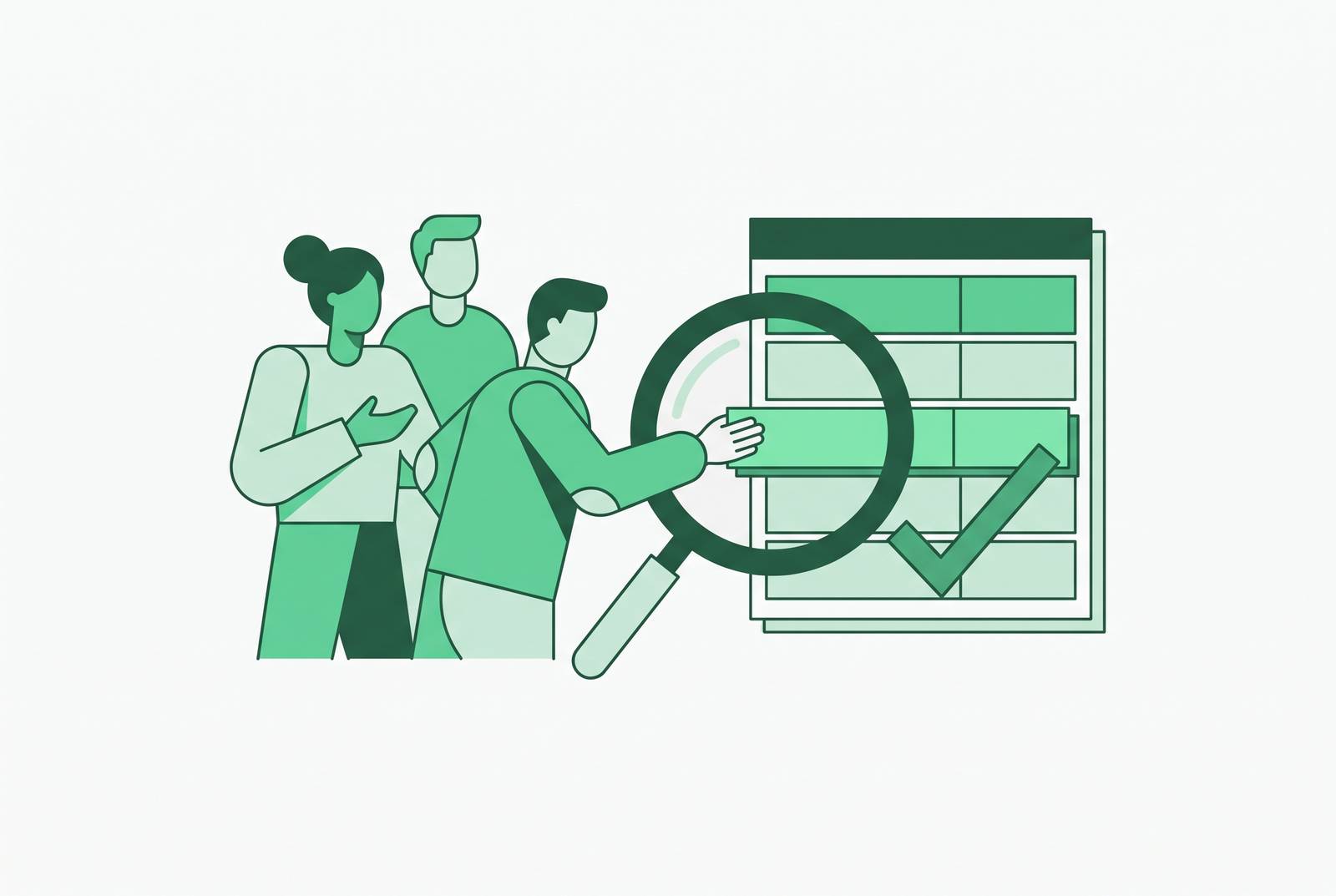
For non-technical teams at small to midsize startups, a visual database interface enables self-service only when users can find useful data without SQL, trust the numbers, explore follow-up questions, and stay within safe permissions without creating a second job for engineering. The right evaluation is a test of those five friction points. This article explains how to apply that test, from first login to confident self-sufficiency.
Why non-technical teams keep ending up back in the data team's queue
The recurring failure starts with a mismatch between the buyer and the intended user. A tool gets chosen because it meets an analyst’s needs, then introduced as something the whole business can use. But how well an analyst can find their way around a data model says little about whether a marketing manager can find campaign performance. The software may do exactly what it promised while leaving the business user dependent on someone else. Buying for the analyst tier and claiming to serve everyone is the evaluation error.
That mismatch turns requests to build dashboards into requests to explain which field is the real one or settle whether a number is right. Each request looks smaller, but each still interrupts the data team and makes an analyst the gatekeeper. Without reusable definitions, even a completed dashboard can send its users back for arbitration. The team still serves as a natural-language-to-SQL translation service, only now it also runs a complaints desk for numbers that disagree.
If every useful answer still needs a Slack message, the business has a new interface but still needs help to use its data.
How non-technical users actually evaluate a tool — not by features, but by friction
A non-technical user’s evaluation usually starts in the first session, without a scorecard. They try to find something useful, see whether it makes sense, ask the next question, and work out whether using or sharing it could cause trouble. A feature earns its place only if it clears something that gets in the user’s way. A natural language box, for example, has to help the user reach an answer they can use.
That test also depends on the organization around the tool. Users who think the numbers will disagree or feel nervous looking around will still turn to an analyst, even when the interface looks welcoming. The first hurdle is the simplest one to state and surprisingly easy to miss. The user has to be able to start.
How can ops and marketing get useful database answers without SQL or help?
The first session shows whether users can work without technical knowledge or will need it at the next click. A marketing manager needs to see how a campaign is doing without having to know table names. An ops manager needs to filter by region without writing a WHERE clause. If either must learn SQL before reaching a meaningful answer, the bottleneck remains.
Different interfaces can clear that hurdle in different ways. Drag-and-drop chart builders and pre-built dashboard templates can shorten the path to a useful result. Natural language querying lowers the entry barrier by letting users ask in everyday business language. Database-native tools, including Basedash, connect directly to the production database and surface data in editable, filterable views without requiring users to know SQL. The interface handles the translation, rather than making the user supply a structured query.
These approaches matter because “easy to use” needs a concrete object. Easy to open is not the same as easy to answer a business question with. A tool that requires users to understand the data model before exploring puts the hardest work back on them. But reaching a number clears only the entry barrier, because a visible answer is not necessarily a trustworthy one.
Whether the numbers on screen can actually be trusted
A wrong number can do more damage to self-service than an awkward interface. Once users have encountered an answer that contradicts another dashboard, asking an analyst becomes a sensible precaution. Users have grounds for distrust that a training session cannot wish away. The tool has presented competing claims without giving the user a basis for choosing between them. Trust is therefore a design problem before it is a user-education problem.
When metric definitions live separately in saved queries, workbooks, and one-off dashboards, each answer can be locally correct while disagreeing with the others. A governed semantic layer gives those definitions a shared home. The data team defines metric rules, business rules, and segment logic once, then reuses them across the tool. The same question can then return the same answer wherever it is asked, without an analyst acting as referee.
That foundation takes work, and production-ready semantic layers can require significant time for enterprise teams to build. Smaller teams do not have to pretend that project is already finished before making progress. Curated tables, standardized field descriptions, and a small set of certified dashboards can give users enough of a shared understanding for self-service to work. Plain-language annotations help users recognize the right field rather than guess which similarly named option is canonical. The practical aim is not to make every user an expert in the data model, but to stop expertise being a prerequisite for believing the result.
Whether the tool lets users explore follow-up questions without hitting a wall
Even when users trust an answer, they usually have more to ask. A user notices a metric drop and wants to break it down by segment. Then they need a different time period, followed by a filter for a specific customer cohort. If every step requires another ticket, the first dashboard has only moved the starting line.
Drill-downs, cross-filters, and date granularity controls are the concrete means of doing that. They let the user change the scope of a question without changing who must answer it. Natural language querying can extend this freedom by allowing conversational follow-ups. Yet more expressive input also creates more room for ambiguity, and accuracy degrades on complex or ambiguous questions. A fluent wrong answer can look just like a fluent right one.
A system might answer for a fixed recent window when the user meant the last fiscal month. The result can be internally consistent and plausible while answering the wrong question. Without understanding the underlying query, a non-technical user has no way to detect the mismatch. More freedom to ask questions therefore needs guardrails against silently getting bad answers.
Whether the access model protects users from breaking things — and protects the business from exposing data it shouldn't
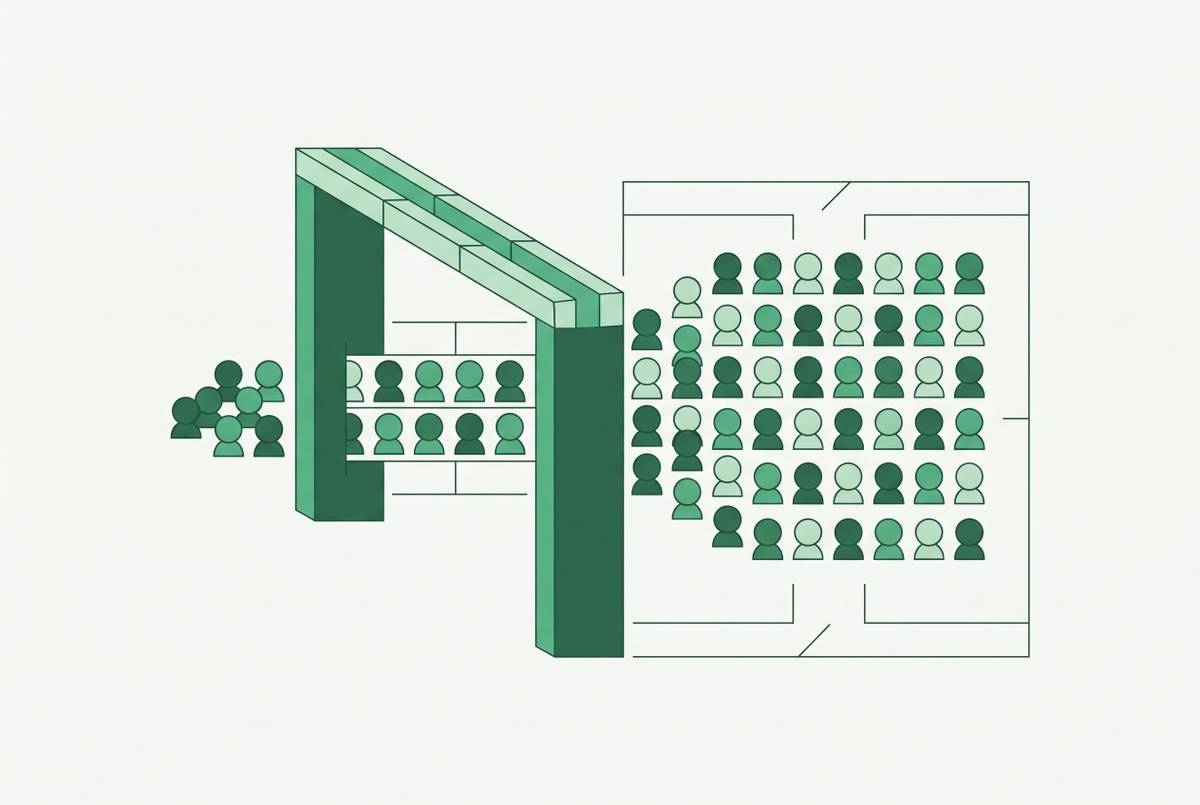
Users also need to feel safe as they explore. A non-technical employee should be able to ask an ordinary business question without first having to work out whether a query could harm production. A cross join over two large tables can be expensive, even when the person requesting it has perfectly reasonable intentions. Query limits and role-based statement timeouts help keep that from happening at the access layer. A friendly interface by itself cannot make an expensive query harmless.
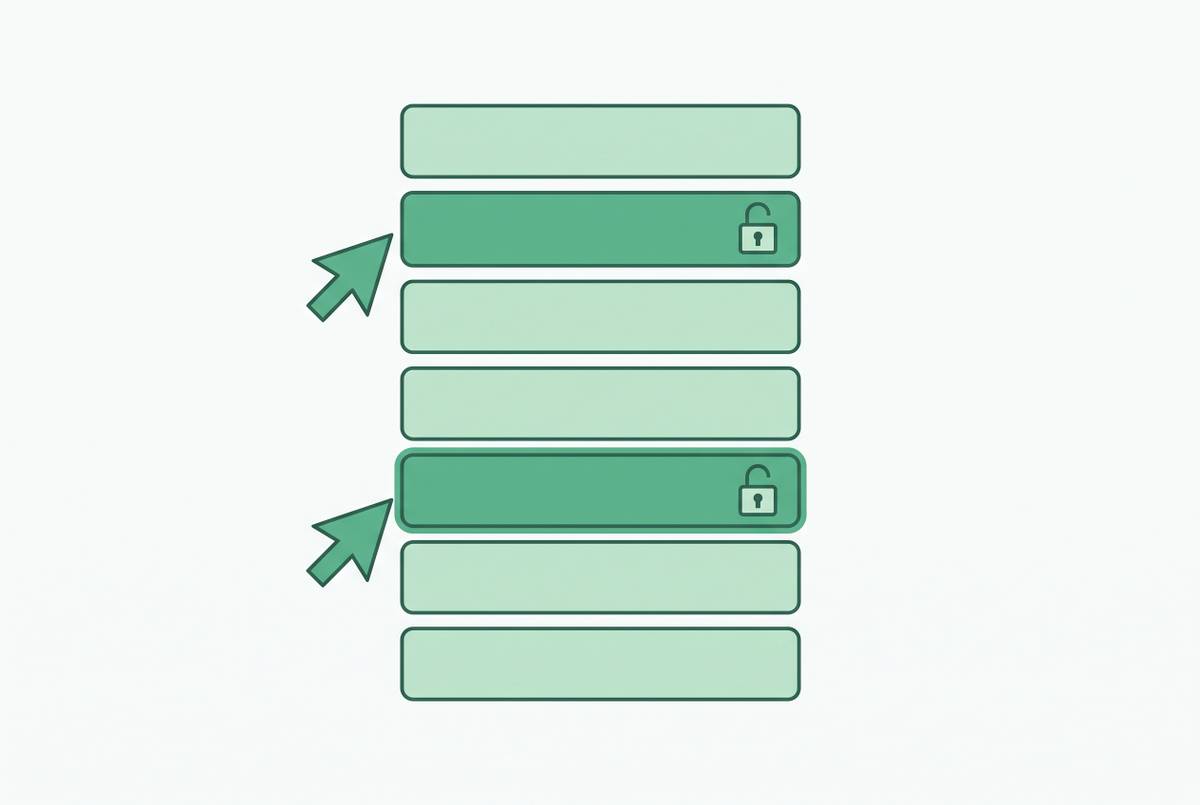
The same distinction applies to sensitive data. Filtering a column out of a dashboard is not real access control if the underlying data remains reachable through a network request or raw export. Restrictions need to hold at the database layer rather than depend on what a particular screen chooses to show. Database-enforced row-level security, for example, can limit a salesperson to their territory’s data regardless of the interface used.
Conversational interfaces make that boundary especially important because a readable answer can surface information directly. The access policy must control what the user can receive, even when a field is hard to find. Product details matter here. Basedash’s documentation describes database-native row-level security limited to Postgres, while column visibility is described at the application or semantic layer. Those are different protections and should not be treated as interchangeable. For the user, a sound access model stays unobtrusive within their scope and stops them clearly, without damage, when they go beyond it.
Whether the data team had to build a custom internal app to make any of this work
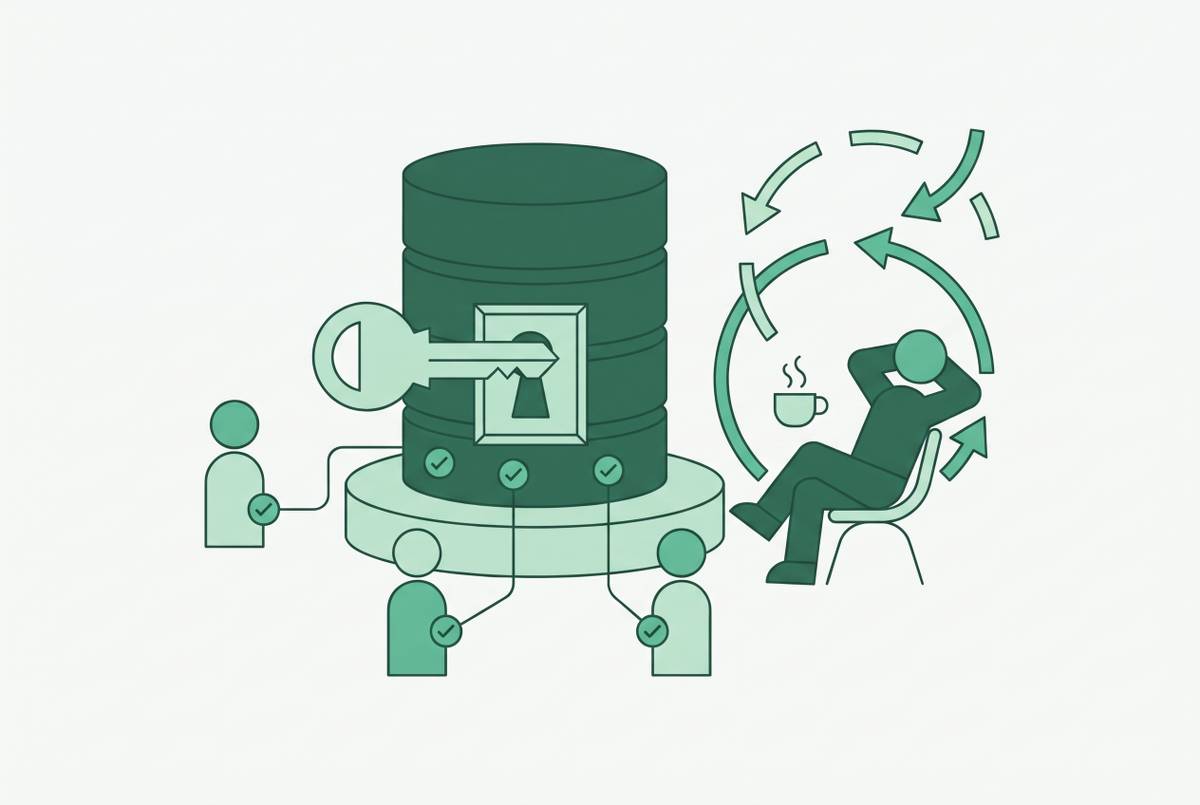
Even a safe, useful interface can fail the self-service test on the engineering side. If making it usable requires a custom internal app, the organization may have exchanged one queue for another maintenance burden. The user no longer asks an analyst for every answer, but engineers must keep a parallel interface working. A deployment has to work for the people using it and the people keeping it alive.
Dashboard sprawl is another version of the same problem. Once anyone can build a dashboard, the organization can accumulate duplicates, outdated views, and reports that silently produce wrong numbers. With each new dashboard, the data team may have more to learn and keep working.
A better way to split the work puts engineers in charge of the foundation, which includes the access model, certified metric layer, and standards. Database-native approaches can cut down on extra infrastructure by giving users access to the database through governed, permissioned views, which is how Basedash is designed to work. That can deliver the necessary governance without building a custom app. The engineering test is whether maintaining the tool will take more time than answering the data questions it replaces. If it will, a polished user experience has not made the overall system self-serve, and a lighter approach may pass where a heavier BI stack fails.
The practical checklist non-technical teams are actually running — and what it means for the engineers choosing the tool
The checklist is informal, but its five tests are concrete. A user must reach something meaningful on the first try without SQL or help. They must be able to trust the number and explore the follow-up without hitting a wall. They also need freedom to work without breaking anything or reaching data they should not see. The tool must also let users do all this without engineers having to build and maintain a parallel internal app. Passing only the visible parts of that test is not enough.
For the non-technical evaluator, this means judging a tool through an actual question and the questions that follow it. For the engineer choosing the deployment, it means treating that journey as stronger evidence than a feature comparison. A full semantic layer is the ideal foundation, but the practical minimum is curated tables, governed permissions, and enough field documentation to make the data intelligible. Basedash is one option designed around that lighter model, with direct database access and views users can query and edit without SQL or a custom admin panel.
The final test belongs outside the sales deck and beyond the first successful chart. Self-service is working when people can get dependable answers without a specialist escort. Its healthy signal is a request queue that gets shorter without anyone being told to stop asking, and the same question asked in a spreadsheet and in the tool returning the same number.