Row-Level Permissioned Editing Without the Internal Tool Build Cycle
Database-level row security lets teams skip custom tools for scoped editing.
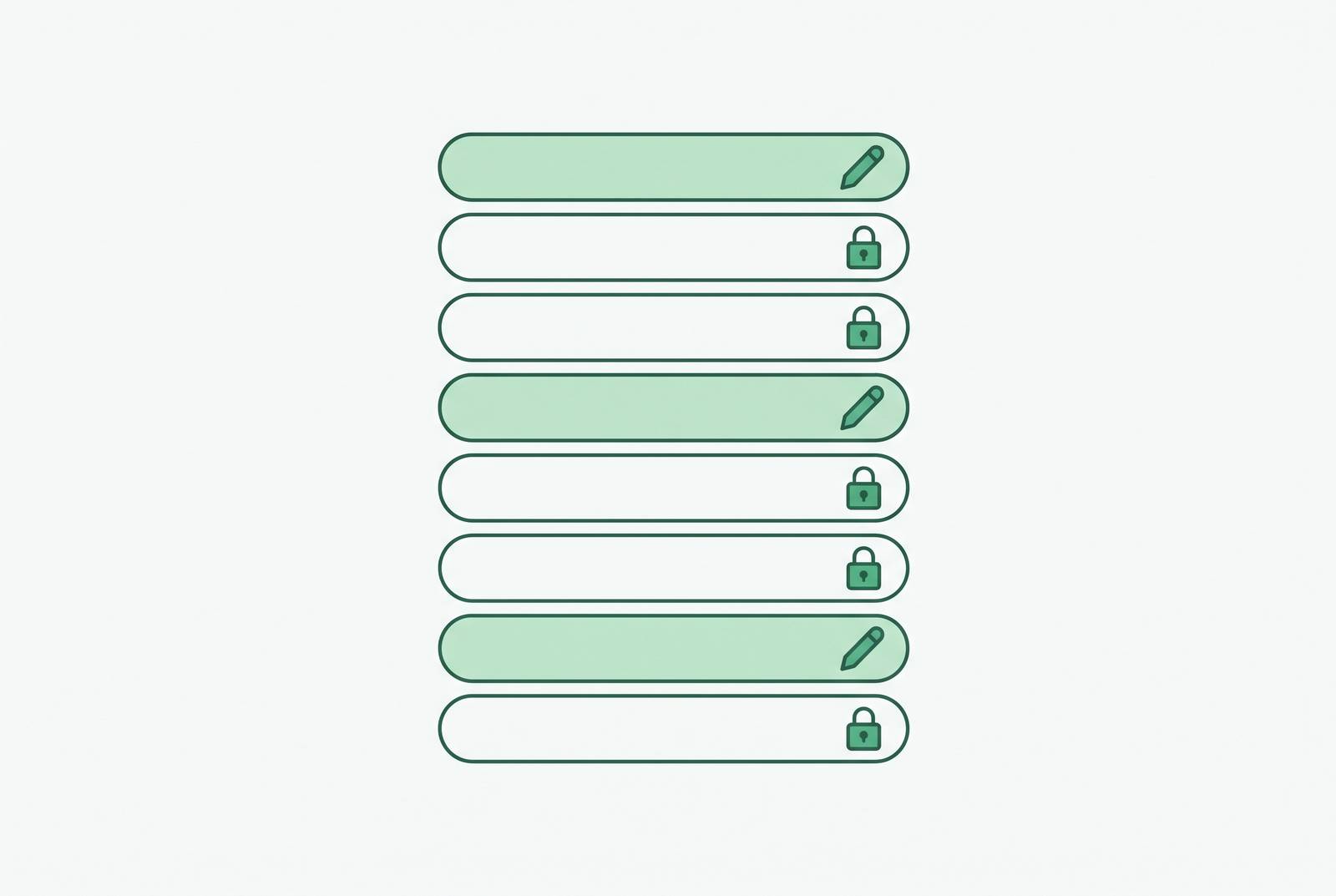
Row-level permissioned editing for support and ops teams does not have to require a custom internal tool. When the database enforces which rows each user can read and change, a lightweight interface can offer scoped editing without granting broad table access.
Why row-level permissioned editing has historically required a custom build
An ops manager needs to update customer records in their region. A support rep needs to edit tickets assigned to their queue. Neither request sounds like an application project. Yet both become one when the database gives people broad access and the application has to decide which records each person may touch. The requested feature is small, but its enforcement lives in software someone has to build.
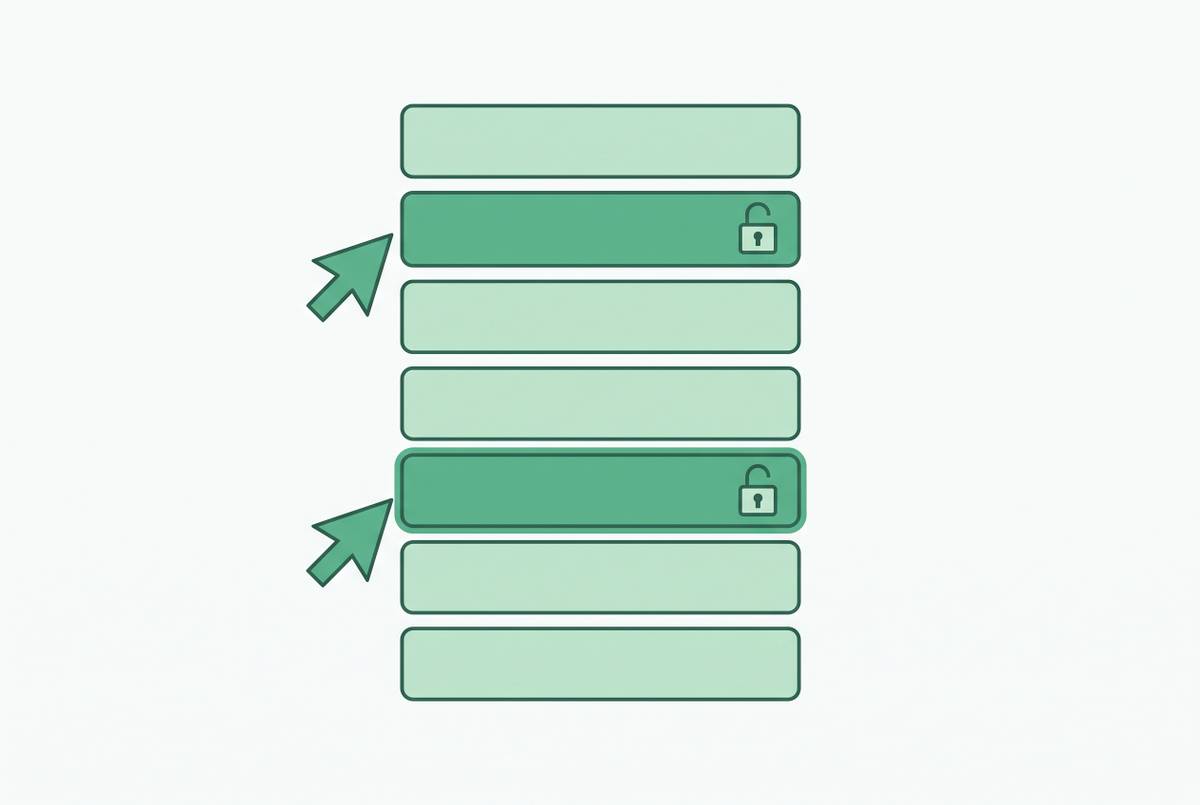
The difficult question comes after permission to open the tool or query the dataset. Within that dataset, which rows may this person see, and which may they change? Those are separate decisions from granting entry. If the app alone supplies the answer, each new team, workflow, or access pattern can require changes to that app.
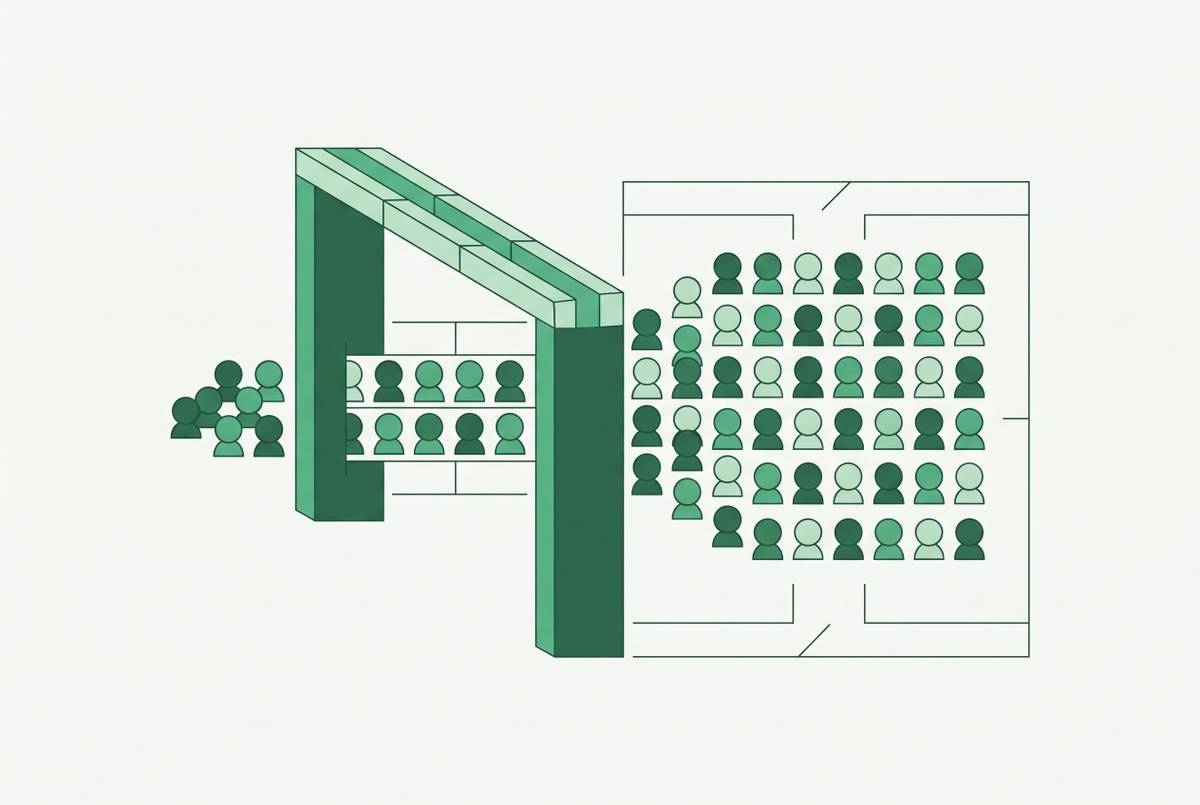
An approved screen may apply the right filter, while raw SQL, an export, or an AI feature takes another path. Application-only filtering is fragile because the rule reaches only the requests that pass through it. The build cycle persists because the interface has become the security mechanism, rather than a way to use a security mechanism beneath it.
What row-level security actually enforces at the database, and where it breaks down
Native row-level security, or RLS, uses a policy inside the database engine to check rows before they leave it. For access subject to those policies, enforcement does not depend on which tool sends the query. Once RLS is turned on, access defaults to deny-all until policies explicitly allow rows through. That is safe, though getting an empty result out of the blue can be a puzzling welcome.
For editing, the central distinction is between USING and WITH CHECK. USING filters which existing rows are accessible, while WITH CHECK validates rows being written. Read filtering alone is not a complete editing policy. A permissioned interface must guard against invalid writes, including rows tagged with another tenant’s identifier, even when its read query has been shown to return the right records.
Even sound policies depend on execution context. Views evaluate as their owner by default, so a view over a protected table can bypass RLS unless it uses invoker rights. Connection poolers can reset session context between requests and remove user-level variables that policies rely on. Identity must survive the trip to the database. These are not cosmetic configuration details, because a correct rule evaluated under the wrong identity is not the protection the team intended.
How BI-tool and dashboard-layer permission enforcement falls short for write access
BI tools solve a different problem well. They restrict what people see in reports and semantic models, but those read controls do not automatically govern modifications to the source. A filtered report can be exactly right for a regional manager reviewing accounts and still provide no answer to whether that manager may change an account’s region.
Microsoft’s RLS documentation makes that scope explicit for Power BI. Roles and DAX filter expressions restrict the rows that users with Viewer permissions see, while workspace Admin, Member, and Contributor roles are outside that restriction. Dynamic RLS using USERNAME() or USERPRINCIPALNAME() lets different users share a role definition without needing a separate role for each person. That is useful for filtered reading. It is not a source-database write policy.
Tabular Editor’s RLS guide similarly distinguishes filtering rows from object-level security, which filters columns and tables. Both are read-side controls in this context, rather than authorization to write changes back to the source. Workspace and dataset permissions answer questions about navigation and querying. They leave open which records someone may edit in a dataset they can already access. A support agent’s permission to change only pending tickets in their queue introduces a further question about workflow state.
Why the cost of building a custom enforcement layer is rarely justified at the 100-person scale
A custom admin panel can bridge that gap, but shipping it does not end the expense. Hosting, updates, bug fixes, access reviews, and enhancements continue after launch. The first version is only the opening bill. For a roughly 100-person company that needs ordinary scoped editing rather than bespoke application logic, maintaining this extra enforcement layer can be disproportionate to the task it serves.
The recurring obligation follows directly from the architecture. If the panel owns the permission model, requests for new roles, filters, and write actions return to the engineers who maintain it. A tool that worked at launch can strain at “v3” when a team needs a permission model its original design never anticipated. The work grows faster than the team expected. What was budgeted as a one-time build becomes an internal support commitment.
Can the company afford to keep that screen’s enforcement logic working each time access needs change? Engineering time spent maintaining an internal permissions layer is time not spent on the product. A custom application may earn that investment when it performs distinctive work, but reproducing common regional or team-scoped access rules is a weaker reason to accept the ongoing obligation.
What breaks when teams skip enforcement and give broad access instead
The tempting alternative is to avoid the build and share something that looks restricted. In Airtable, that can mean a base view filtered by user name and distributed through a shared link. The link can be forwarded or intercepted. Its filter controls presentation rather than providing the same retrieval boundary as a properly configured interface.
Airtable’s appropriate interface pattern uses a dynamic current-user filter mapped to a dedicated Airtable user field distinct from a plain SSO email field. Under that pattern, the browser does not fetch records outside the user’s assigned parameters. The location of the filter changes the protection. A shared view link is therefore not interchangeable with a current-user interface simply because both appear to show the same rows.
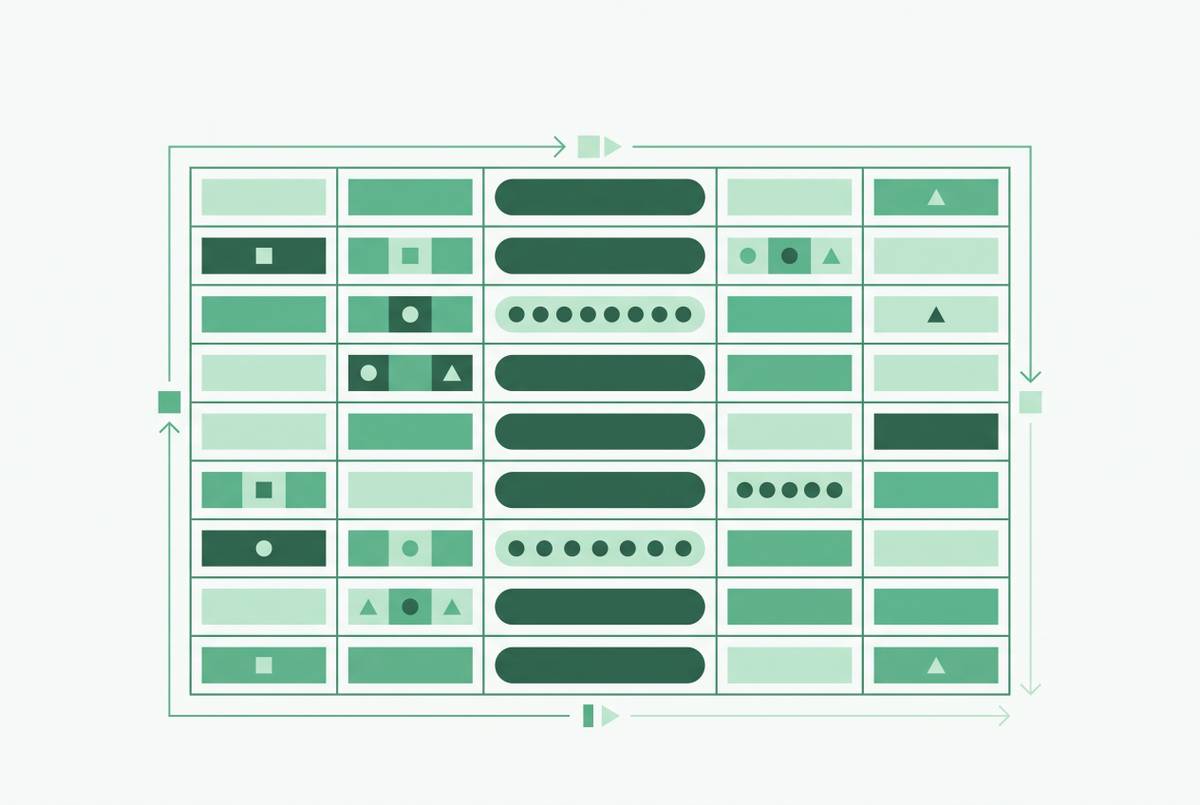
Baserow illustrates another boundary that is easy to confuse. Its field-level permissions restrict editing of individual columns and refine table-level access. Baserow’s documentation specifies that these permissions are available on Advanced and Enterprise plans and require an Editor, Builder, or Admin role at the table level. They can only narrow the access available under that role. Column restrictions do not determine which rows someone may edit.
Broad access to raw tables leaves a non-expert responsible for noticing a subtly wrong join or another tenant’s records in a result. AI-generated queries widen the set of requests beyond those an app author reviewed. Database RLS filters queries covered by its policies no matter who wrote them, while application-only filtering can control only the paths it sees.
How placing enforcement at the data layer changes what the interface above it needs to do
Moving enforcement into the database separates two jobs that the custom admin panel had bundled together. The database decides whether an operation is permitted, while the interface makes the permitted operation usable. That separation makes a thinner interface possible. It no longer has to recreate the row-access rule for every screen, team, or query path.
The interface still has a security responsibility. It must pass authenticated identity to the database so that policies evaluate for the right user, with the view and connection-context pitfalls accounted for. But passing identity is different from independently deciding which records that identity may change. The database owns that decision.
Write policies complete the architectural shift. When the database both filters accessible rows and validates proposed writes, the interface can expose editing without inventing its own duplicate row-permission checks. A dashboard, saved query, direct database client, or AI-generated query then meets the same policy boundary when it runs under that governed access.
The remaining interface work is still useful work. It includes presenting the right rows, making edits safe to execute through confirmations and field constraints, and respecting column-level visibility. RLS does not turn a poor editing experience into a good one, nor does row filtering supply column permissions by itself.
How can support and ops teams edit specific records without full database access?
For a production database with RLS already in place, a lightweight database-native interface is the starting point for scoped editing without a custom build. An ops manager can update customer accounts in their region, a support rep can work on tickets assigned to their queue, and a regional account owner can modify deals in their territory. The interface gives them access to that governed slice so that every routine edit can go ahead without an engineering ticket.
The interface surfaces only rows the user is permitted to see, and WITH CHECK validates proposed writes before they commit. Separate field-level permissions stop people from editing columns they have no right to change. These protections answer different questions. Seeing a row, changing that row, and changing every field in that row are not equivalent rights.
For operations, support, and finance, the gain is a usable editing surface attached to an administered permission model. For engineering and data teams, the work shifts from maintaining a custom panel for each access pattern to configuring database roles and policies and connecting a governed interface.
The named alternatives fit different starting points. Power BI serves filtered analysis, Airtable’s current-user interfaces serve its governed interface pattern, and Baserow’s field permissions refine table access. None of those controls should be mistaken for another merely because each uses the word “permission.” For an existing governed database, the decisive interface criteria are authenticated identity, database-enforced writes, and respect for field restrictions.
The cases where database-native RLS alone is not enough and an application layer is still needed
Some editing permissions depend on more than regional, tenant, or team membership. A support agent may edit only pending tickets assigned to their queue, while claiming, escalation, and resolution continually change eligibility. That is a workflow question as well as a row question. Where authorization depends on real-time application logic and cross-entity rules, a static predicate alone is not a complete model of the work.
In those cases, application-layer authorization supplements database RLS rather than replacing it. The database still enforces tenant isolation and broad role boundaries, and the application adds checks for the workflow conditions. The division of responsibility is the point. A database policy need not impersonate an entire application, and an application need not become the sole guardian of tenant isolation.
Database enforcement also has an operational cost. Because policies act invisibly, debugging a missing result requires understanding the identity and context under which the query ran. “Where did my rows go?” is a legitimate engineering question. Diagnosis begins with logging session context. Engineering still administers the model and exercises judgment about its boundaries.
Within that boundary, regional access, team-scoped records, tenant isolation, and role-based field editing cover the large majority of permissioned editing needs at a roughly 100-person company. Those cases require a governed database and an interface that uses its permissions correctly, leaving custom application work for workflows that actually need it.