Why Custom Internal Tools Fail Ops Teams That Need Row-Level Record Editing
Maintenance and staff turnover, not launch, determine whether custom editing tools stay trustworthy.
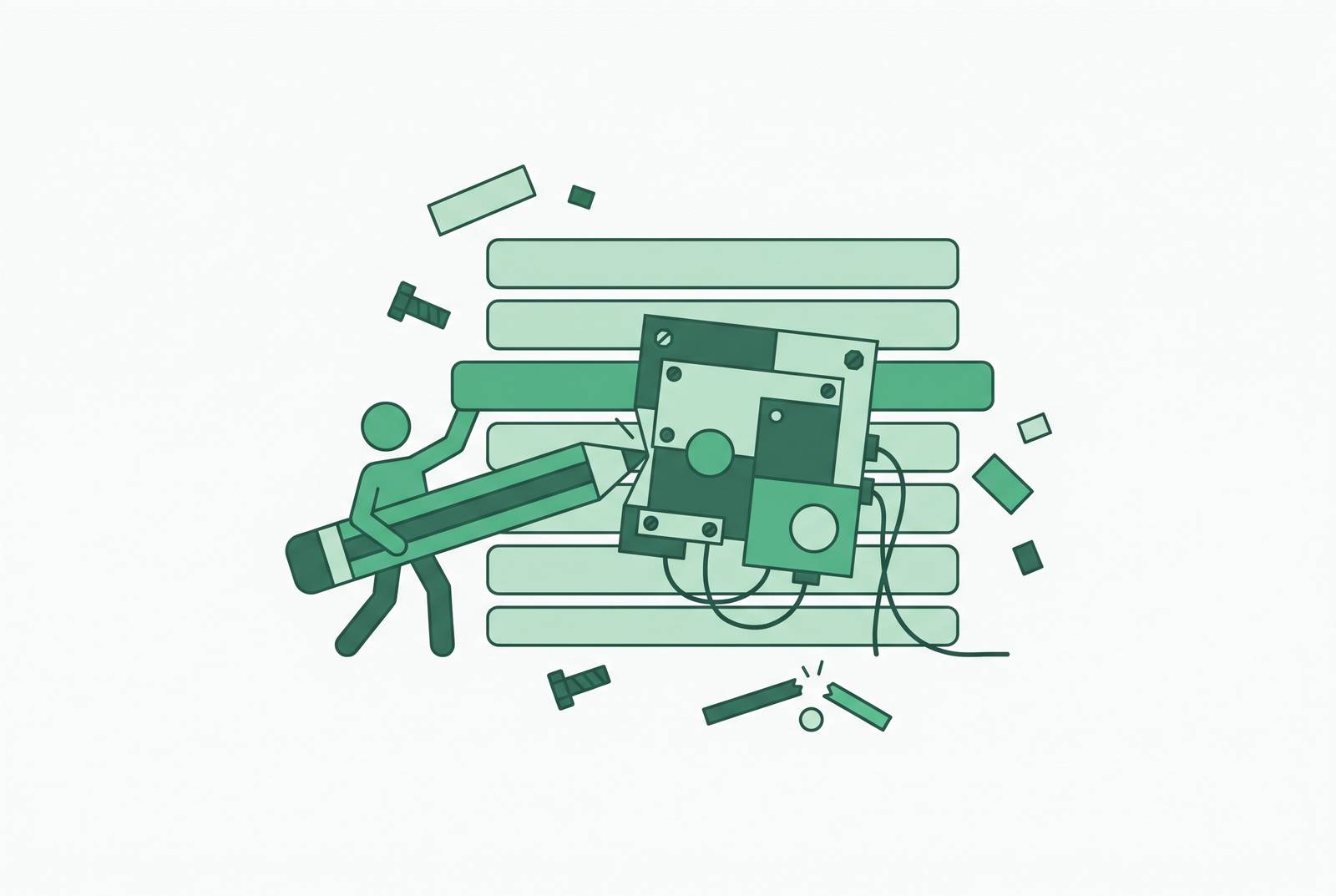
For support and ops teams that edit production database rows, a database-native admin platform is a good place to start with permissioned access without SQL or shared database credentials. Custom internal tools can serve the same need, but their real test comes after launch, when schema changes, staff turnover, and deferred maintenance begin to erode safe editing. The choice is less about who can build the form than who can keep it trustworthy.
How ops teams actually use row-level editing — and why custom tools get built to serve that need
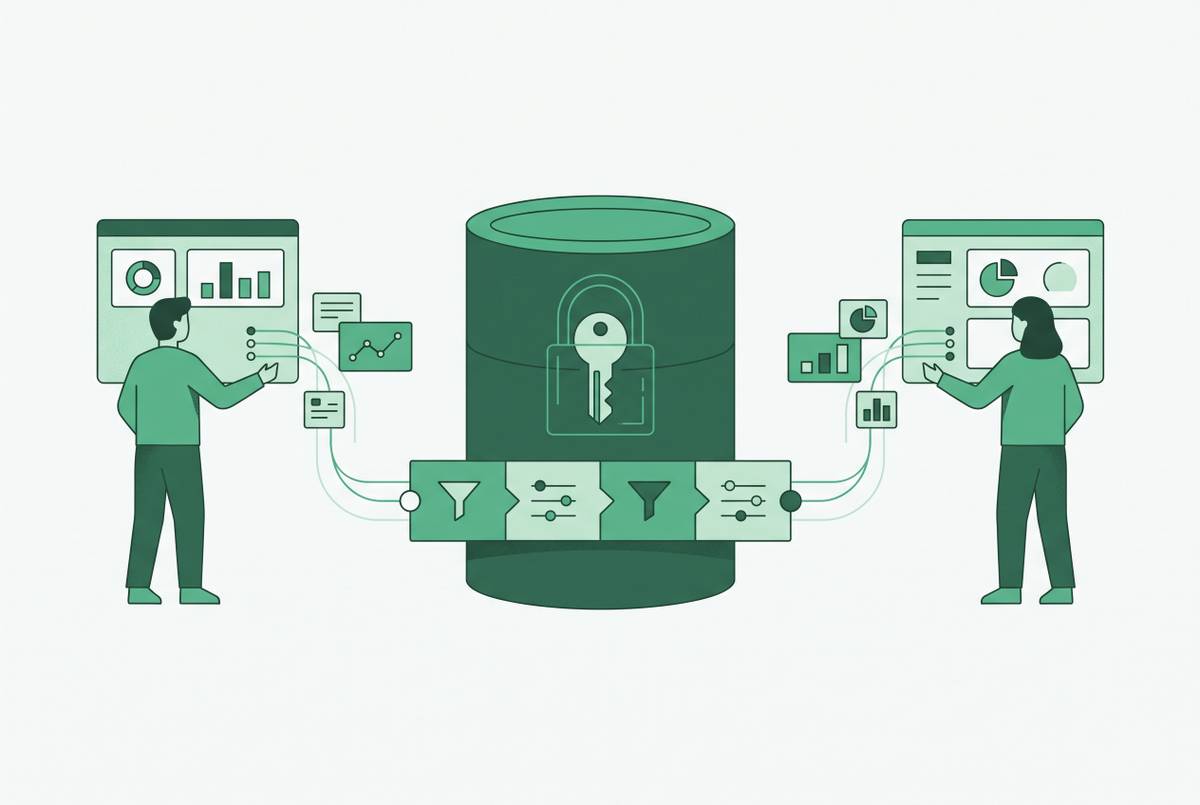
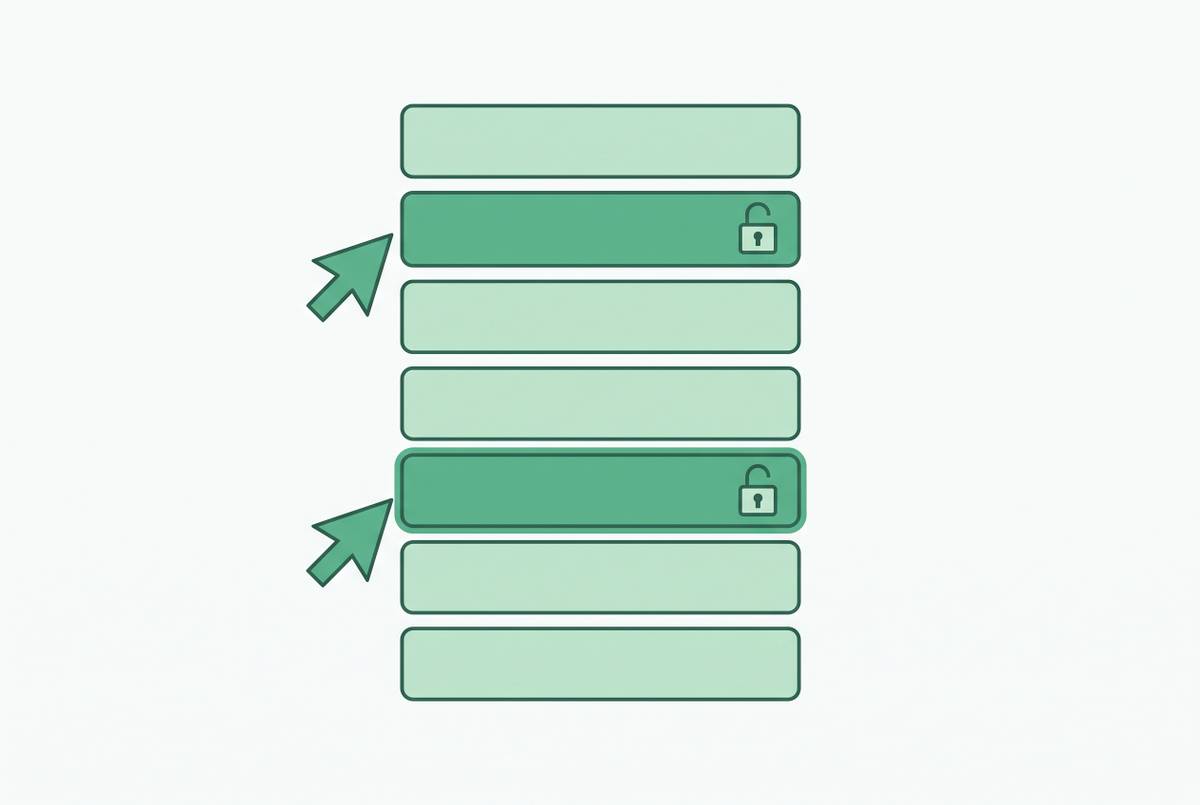
A customer has the wrong status. An order field needs to be corrected, a refund needs to be issued, or an onboarding flag needs to be changed. These are small changes to individual production records, but they arrive too often to send each one through a data team. Ops needs a way to find the right row and make the permitted change. It does not need unrestricted access to everything else.
Before there is a tool for the job, teams often do that work through shared spreadsheets, direct database credentials, or engineering tickets. Each workaround creates its own security or data-integrity problem, so a custom admin panel is a rational response. Engineering can build it around how ops works, so ops can use its own workflow. At launch, the panel surfaces the right records, gives the right people editing access, and clears the ticket queue. There is no need to pretend this was a foolish decision. The team solved a real bottleneck with a tool that worked.
Why the cost that gets budgeted — the build — is not the cost that breaks the team
The launch budget pays to get the tool working. Ownership pays for what happens when unexpected behavior appears, a connected system changes, or users need retraining. It also pays for permission reviews, exception investigations, and eventually retiring software that can no longer be sustained. The project ends before the responsibility does.
That means comparing the cost of the whole lifecycle when deciding whether building is cheaper than buying. Building, maintaining, updating, securing, monitoring, supporting, and sunsetting all belong in the comparison. Availability belongs there too, because an affordable maintenance plan is not much use without someone able to do the work. External integrations add more dependencies whose changes the owner must absorb. The framing correction distinguishes between “can this team build it? and “can this team own it?”, which are rather different questions to hide inside one project estimate.
Schema changes as the first and most common point of decay
Schema changes follow the product’s schedule. A renamed column, a deleted table, or a new field in a workflow requires corresponding work in the interface built on top of it. Hard-coded queries are particularly brittle because they embed assumptions about names, relationships, and data types. The database has made no promise to preserve them. A query that was correct at launch can become an outdated description of the system it edits.
Without automated tests or version control tied to the tool, the warnings come from users. A field no longer saves, a filter returns nothing, or an edit attempts to write to a column that no longer exists. Some failures are easy to spot, while others look like normal results. The same dependency problem extends beyond the database to CRM APIs, payment processors, and accounting integrations. Those systems can change without warning too, so a tool that still looks local depends on what others decide elsewhere.
Staff turnover as the mechanism that turns a schema problem into an unmaintainable codebase
A schema mismatch is usually manageable while someone understands the code that depends on it. The problem changes when the original builder leaves without documentation, test coverage, or architectural context. A successor must then work out not only what the code does, but why it does it. That is a different job from changing a column name. Which query is load-bearing, and which permissions rule is tied to a particular workflow?
This knowledge gap is not evidence that engineers are careless. A single engineer building under time pressure can become the default owner, maintainer, trainer, and support desk without anyone explicitly assigning those roles. The handoff model has no built-in continuity. Once that person leaves, whoever has spare time has to maintain the tool, and some tools end up as code that nobody dares touch. Without a central registry of tools, owners, and active use, the organization also loses track of what needs care. Redundant tools get built while abandoned ones remain in service, making ownership harder to reconstruct with every passing change.
How deferred maintenance accumulates until the tool becomes untrustworthy
An ownerless tool can keep presenting familiar forms while producing stale or wrong output, which makes postponing maintenance look tolerable. Meanwhile, people it was never designed for start using it, there are more edge cases, and the data may become more sensitive. Eventually, keeping it running consumes more time than using it saves.
At that point, the tool needs any access controls, audit trails, or monitoring it still lacks. They are costly retrofits competing with the pressure to keep daily work moving. Across tens of dashboards, panels, and utilities, a regulatory or schema change can force updates in several places at once. For row-level editing, the worst result is not a form that crashes but a form that appears to work and permits a wrong change to a production record. A visible failure stops the user, while a silent one is harder to detect and reverse.
Row-level editing specifically raises the stakes for permissions and audit trails — which custom builds consistently underengineer
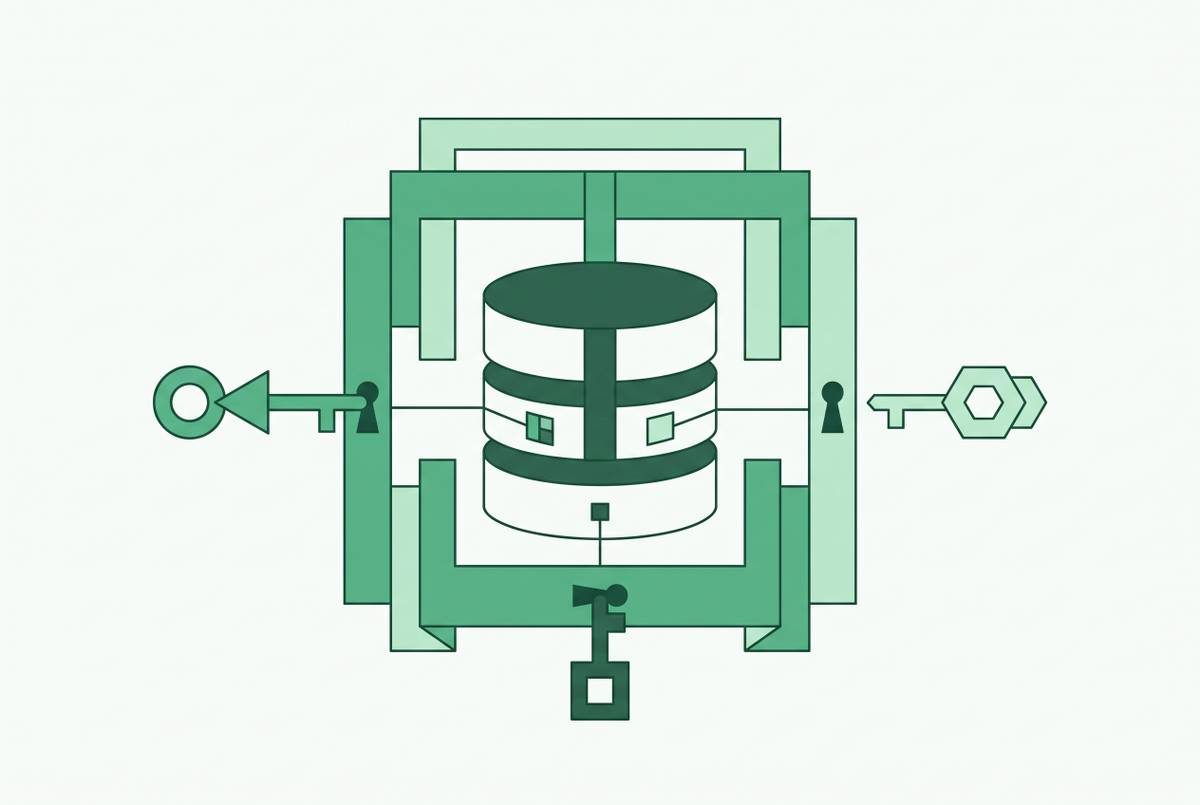
Editing production records requires more than permission to open an admin panel. The system must distinguish the person making the change, the rows they may access, and the fields they may edit. An audit trail must also make changes attributable. Getting the save button working is only the beginning. Yet that visible milestone tends to win priority over the less visible controls that make saving safe.
Shared database logins expose the gap immediately. When several ops users share one account, security teams cannot tell who made a bad edit, and everyone has to plan for downtime when the credential is rotated. Under-documented row-level security creates a different ambiguity because records filtered out by a policy look like “no matching data.” Users and developers can look for missing rows without knowing that access rules hid them. When the editing interface degrades, broad, persistent production credentials are a risky fallback because stolen credentials can be reused while unauthorized changes remain undetected.
AI coding agents sharpen this existing risk. With real infrastructure access, an agent can cause production damage at a speed and scope beyond a human operator, increasing the need for governed write interfaces.
What ops teams do when the tool can no longer be trusted — and what that costs engineering
The tool’s failure changes who absorbs the cost of meeting the ops need. Customers still need their status corrected and orders still need to be updated, so users find ways to work around the panel they cannot trust. Engineering tickets come back, spreadsheets become makeshift systems for approving changes, and ops leads may get database access they should not have. The original bottleneck is back, now with a broken tool attached.
Working with spreadsheets by hand leaves more room for error, while routine database-edit tickets break up engineering work and take time to refocus after. Reactive panel fixes also displace product development, creating an opportunity cost that does not appear in the original build estimate. A replacement can make the position worse if the first panel remains active, because both now need updates when the schema changes. Over time, the cost of decay can exceed the cost of construction. It is paid through engineering work that keeps coming back instead of its own budget line, so it is easier to miss.
Why AI-assisted building accelerates the construction of tools that will be harder to maintain
AI-assisted development lowers the cost of starting an internal tool without lowering the cost of owning one. So more panels can launch with the same lack of documentation, no clear owner, and permissions work put off until later. A cheaper first version makes the decision feel smaller. The obligation after launch has not shrunk with it. Even when a form is quick to build, it still depends on a schema that changes and gives access to production data.
The difficulty is whether the resulting code has the modularity and architectural context needed for later versions and future maintainers. AI-generated tools often prioritize a working first version, leaving those maintenance needs unresolved. The first serious governance test can arrive when ops asks for a permissions model the original prompts never planned for. Then the apparent shortcut ends in a substantial retrofit or quiet abandonment. Faster construction can multiply the number of tools entering this lifecycle, especially when the low entry cost discourages a serious ownership discussion.
The genuine case for a custom build — and the conditions that have to hold for it to survive
Custom tools are not inherently doomed to decay. Their economic case strengthens when the workflow is genuinely unique, integrations go deeper than SaaS tools handle natively, or competitively sensitive data makes third-party custody a real concern. User count can change the calculation too. For small teams with bounded workflows, third-party platforms are often cheaper over three years, while higher seat counts can reverse that advantage as per-seat pricing accumulates.
Survival, however, requires more than a favorable price comparison. The conditions include a named owner other than the original builder, documentation treated as a build deliverable, automated tests that expose schema breakage before users do, and permissions designed for production editing from the start. With these in place, a team can take over what one person knows. They also make maintenance a recognized responsibility. The strongest objection to the failure argument is therefore valid. This is a governance failure, and a low-code tool with no continuing owner can face the same problem.
How can support edit specific customer records without full database access — and what does a database-native approach cover?
For a team whose main need is permissioned row-level editing on a production database, a database-native BI and admin platform is a practical starting point. It connects directly to the database and generates the editing interface from the schema, so schema changes are visible in the tool rather than silently breaking hard-coded interface queries. Ops users can do their work without SQL or database credentials. Row-level permissions set which records they can reach, column restrictions set which fields they can use, and audit logging keeps track of changes. These are capabilities to configure.
A custom build leaves the team responsible for the schema-aware UI, role model, audit log, query interface, authentication integration, hosting, patching, documentation, and changes to their dependencies. With a database-native approach, engineering does more of the setup and the ongoing work of managing access. Access rules still need attention, but that is narrower work than continuously developing the tool around them.
For a roughly 100-person company, the distinction is practical. A custom build calls for a full-time owner the team rarely has, while a platform requires setup and continuing permissions administration without making engineering a full-time internal tools team. A working edit form is the easy thing to demonstrate. Continued responsibility for every production change made through it is the harder thing to budget.